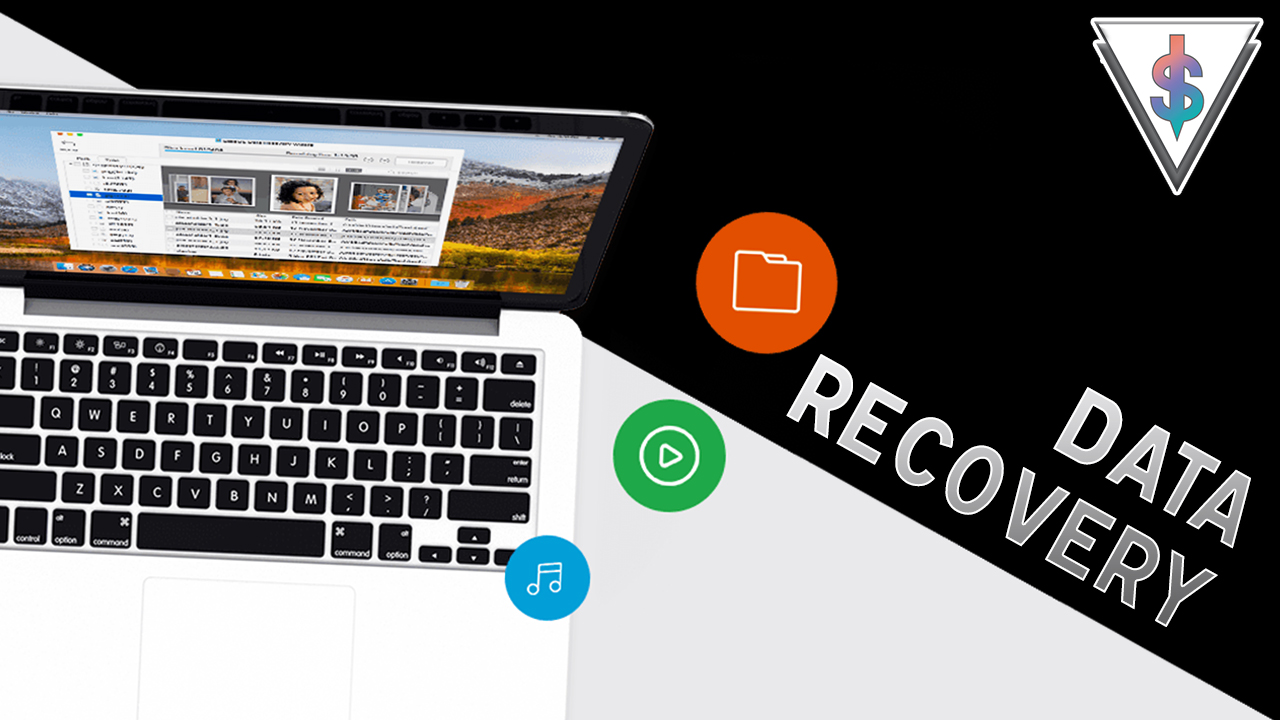
If you’re looking for data recovery application, then when you check around you will find the EaseUS is one of the leading applications out there. They have a ton of powerful data recovery applications for Android, iOS, Windows and Mac in different variations.
EaseUS Data Recovery Wizard will help you recover both accidentally deleted files and files erased by programs. It can also be used access non-mounting, raw or corrupted partitions. Advanced users will appreciate its ability to recover data from servers and RAID storage, as well.
EaseUS provides trial versions of its software, which can be used to recover up to 2GB of data on PCs and Macs. A trial run will help you determine if your lost data can be recovered prior to purchasing the software. Because it offers a trial version, EaseUS’ 30-day refund policy doesn’t apply to non-technical circumstances, so be sure you know what you’re buying.
Here are the download links –
- Download Free Version – bit.ly/2PiYNXj
- Windows data recovery Pro version (with 50% discount) – bit.ly/2RGpqlw
- Mac data recovery Pro version – bit.ly/2PNg4ag
- Android data recovery – bit.ly/2KfTz7j
As far as supported file types, EaseUS covers all of the basics:
- Documents: Word, Excel, Powerpoint, PDF
- Images: JPEG, PNG, RAW, Photoshop, Illustrator
- Audio: MP3, WAV, AIFF, AAC, Ogg
- Videos: MPEG-4, QuickTime, AVI, WMV
- Archives: Zip, Gzip, RAR, Stuffit
Supported file systems include:
- Windows: FAT, NTFS
- Mac: HFS, HFS+
- Removable Storage: ExFat
Wondering how to use it? Watch my video below to learn step by step.
Briefly, Once the application opens, step one requires picking a scan location. You can choose to scan your whole hard drive which takes some time or you can scan a particular place too like the desktop. If you’re dealing with a non-mounting or deleted partition, Data Recovery Wizard will display those, too, by pulling information from the partition table. You can load a disk image or import a previous scan status as well.
While scanning, the program displays a progress bar at the top of the application, along with a countdown of how much time it remains before completion.
You can browse and preview files before the scan completes, as they’re recovered or wait until it’s over. The preview capability helps, since recovered files are given generic names, as with most data recovery tools. Once the scan has completed, you can browse content by file tree, file category (graphics, audio, document, video, email, other) and search for files. Search is handy because you can search for a specific file type by searching for an extension (.txt, .jpg).
Recovering content is simple. Just click the checkbox beside the file name, hit the “recover” button and select a recovery location. That location must be a separate partition or drive, and you may choose an external drive. It just works. Here’s how I recovered a video that I recorded earlier and deleted permanently from my drive. It works like magic.
EaseUS is something you need to try if you want to recover something you lost.
Like I said before it is even available for Android but you need root access to use it.
Apart from everything I mentioned, The biggest plus for EaseUS is the inclusion of live chat support. Live chat, available during business hours, will put you in almost immediate contact with a service representative. Outside of business hours, you can send EaseUS an email.
I was fairly surprised after using EaseUS Data Recovery software. The ability to recover data from HDDs, SSDs, RAID storage, servers and even optical drives makes it a flexible tool.
If you’re a geek, I think this is a software you should have in your arsenal, just in case if the need for data recovery comes up.
There is a giveaway of some codes over at my YouTube video so check it out over there to win some free codes. First come first served.
I hope you guys found this useful. Don’t forget to share.