Andro Dollar Andro Dollar
  • Advertise on Andro Dollar
  • Videos
  • Gaming
  • About Us
  • Contact Us
  • Newsletter
  • Wallpaper
  • Privacy Policy
  • Terms and Conditions
Andro Dollar Andro Dollar Andro Dollar
  • Videos
    • Unboxings
    • Reviews
    • Tips
    • Vlogs
    • Best Apps
    • Best Games
  • Shorts
  • Reviews
  • News
Galaxy S5 Ported Rom for the Galaxy Note 3 – www.androdollar.com

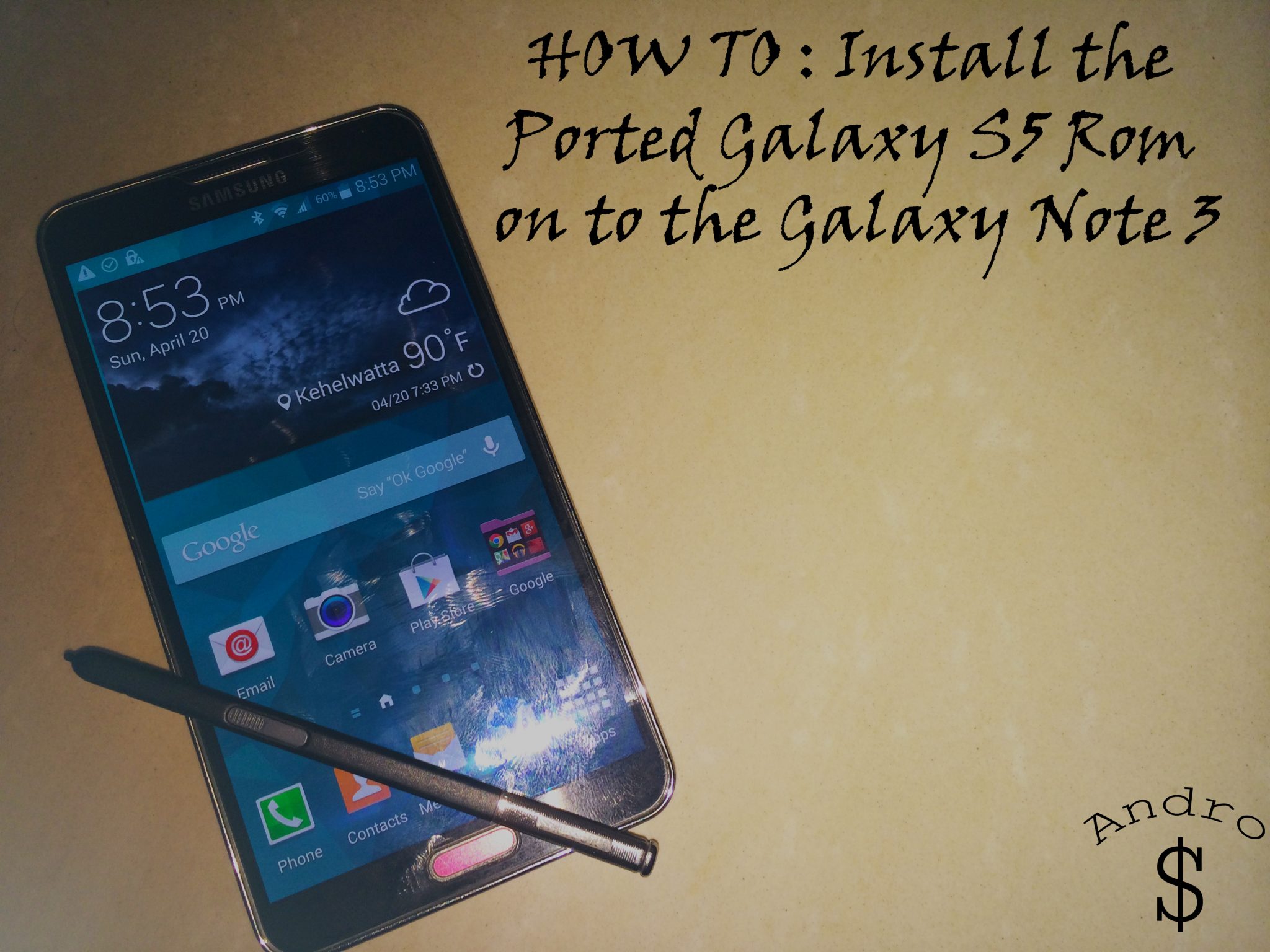
VIDEO : HOW TO : Install the Ported Galaxy S5 Rom on to the Galaxy Note 3

  • Banu
  • April 21, 2014
  • 2 minute read
Total
0
Shares
0
0
0

Checkout the Updated Video.

So it’s that time of the Year again, and Samsung Launched the Galaxy S5 Worldwide on the 11th of April (2014). People are so excited for the device. The Developers over at the XDA, have done some interesting thing. They have Ported the Galaxy S5’s Rom on to the Galaxy Note 3. This is the Complete Rom of the Galaxy S5 with a few Minor Bugs; But this rom has a lot of potential if the developer can fix the issues.

You need to be rooted & you MUST have a Custom Recovery (At this point you can Only Flash using CWM), so if you’re not Rooted, you can root your device by checking out the related forum over at XDA Developers, You can also contact me if you’re unable to find a safe method, so that I can send you the link. So I made a HOW TO Guide for you guys, so go ahead and give it a shot and Show the developer some love by Hitting the “Thanks” button over at XDA.

Checkout the Original Thread over at XDA Developers Website here.ย This is the Direct Link to Download the Rom if you’re in a hurry. The Developer has posted several updates over at the Thread, so check out the updates as well.

Minor Tweak to be Done after installing –

  • After you install you need to install Xposed Frameworks, and then install the “MenuBeGone” Module in order to get the Multi-Tasking Menu just like on the Galaxy S5 by using the Menu Button.

Checkout the Video and let me know what you think. If you have a Note 3, Don’t forget to give this a try. Comments section is open for discussions.

WARNING –ย Whatever you do with your phone, you do that entirely on your own risk and you have full responsibility for the consequences. The author canโ€™t be responsible for any damages of your phone!

Total
0
Shares
Share 0
Tweet 0
Pin it 0
Related Topics
  • Custom Rom
  • CWM
  • Galaxy Note 3
  • Galaxy S5
  • Port
  • Root
  • Samsung
  • Sri Lanka
  • Video
  • Videos
  • XDA
Banu

I'm Banu. I also go by as "Andro Dollar". I am a passionate tech geek born and raised in Sri Lanka who likes to do creative things and look at things differently. I'm a risk taker and a perfectionist. If I'm doing something, I'll do it right! That's my Moto.

Previous Article
samsung-galaxy-note-4-youm-display_www.androdollar.com

UPDATED : Galaxy Note 4 to comeout with three-sided YOUM (Flexible) display?

  • Banu
  • April 20, 2014
View Post
Next Article
microsoft-xbox-one-www.androdollar.com

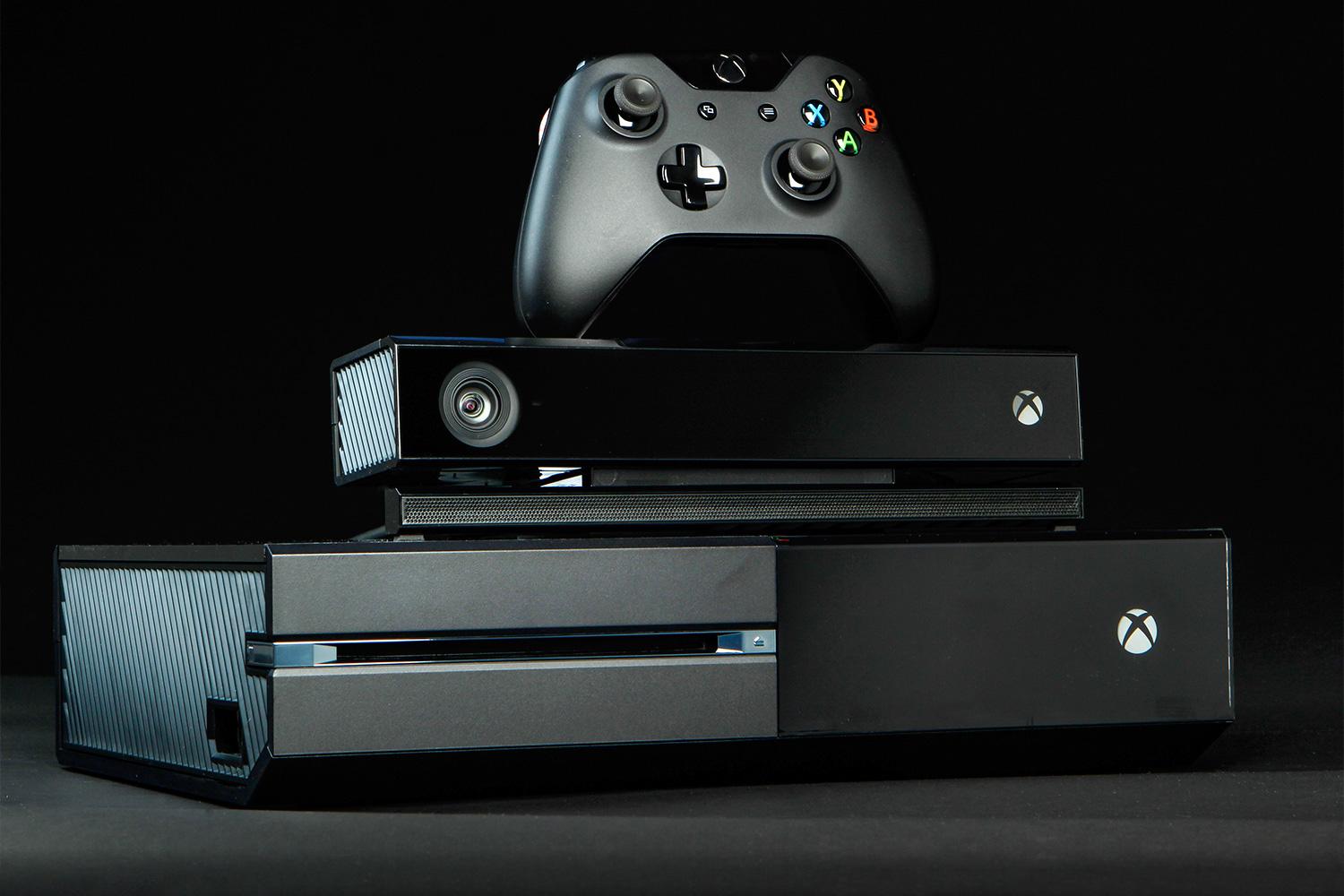
5 Million Xbox One units sold worldwide

  • Banu
  • April 22, 2014
View Post
You May Also Like
View Post
  • Videos

Apple Watch Series 9 PINK 45MM Unboxing and Setup with iPhone 15 Pink

  • Andro Dollar
  • November 18, 2023
View Post
  • Review
  • Videos

Google Pixel 7 Review in Sri Lanka after 6 months of daily use

  • Banu
  • May 8, 2023
View Post
  • Review
  • Videos

M1 Macbook Air (2020) Reviewed in 2023!

  • Banu
  • May 3, 2023
View Post
  • Videos

Make OLD Smartphone feel NEW in 2023 (works on ANDROID AND IOS)

  • Banu
  • January 18, 2023
View Post
  • Hands On
  • Unboxing
  • Videos

GoPro Hero 10 Black Unboxing, Setup & Software Updates

  • Banu
  • October 21, 2021
View Post
  • Videos

MY THOUGHTS on the Apple M1 Pro and M1 Max MacBook Pro

  • Banu
  • October 21, 2021
View Post
  • Unboxing
  • Videos

Samsung T7 External SSD UNBOXING and SPEED TEST vs MacBook Internal SSD

  • Banu
  • October 3, 2021
View Post
  • Videos

Galaxy Watch 4 and Watch 4 Classic Initial Setup Walkthrough with Galaxy Z Fold 3 and Z Flip 3

  • Banu
  • October 3, 2021
35 comments
  1. Mohamed Abd LWahid says:
    April 23, 2014 at 7:56 PM

    Is there a solution to the problem of camara currently or alternative apps can be downloaded to resolve this problem! thanks for ur efforts

    1. Andro Dollar says:
      April 23, 2014 at 9:14 PM

      Sorry, but at this time the Camera doesn’t work at all…. Using a 3rd party options from the Google Play Store doesn’t fix the problem as well…. And apps like Instagram crashes as soon as you hit on the camera button, and other camera apps show a Camera Failed Error…. Thanks for checkingout the Article… Stay Tuned to Andro Dollar for more in the future ๐Ÿ™‚ Have a Good day…

      1. Mohamed Abd LWahid says:
        April 23, 2014 at 9:42 PM

        thanks man

        1. Andro Dollar says:
          April 23, 2014 at 10:01 PM

          No Problem ๐Ÿ™‚

  2. gaurav says:
    May 1, 2014 at 9:17 PM

    how to instal this rom in sm-n9006 note 3

    1. Andro Dollar says:
      May 1, 2014 at 10:05 PM

      Hi Gaurav, Thanks for your interest; but this is ONLY available for the N9005 Variant of the Note 3 currently. So Please don’t install on ANY OTHER DEVICE. Stay Tuned for more Great Content.

  3. Kyle Tyler Wylde says:
    May 2, 2014 at 7:16 AM

    The MenuBeGone doesnt work! ๐Ÿ™

    1. Andro Dollar says:
      May 2, 2014 at 7:29 AM

      Oh yes it does work….. Just install xposed installer and then install the module and enable it from the modules menu…. I can guarantee that it’s working because it is working fine on my device….

      1. Kyle Tyler Wylde says:
        May 2, 2014 at 8:03 AM

        Yes it does haha I was using the physocal button instead of setting touch button.

        Last thing how do I delete duplicate files?

        1. Andro Dollar says:
          May 2, 2014 at 8:06 AM

          What exactly do you mean by duplicates?

          1. Kyle Tyler Wylde says:
            May 2, 2014 at 8:13 AM

            As in you go to sound / ringtone I have double of them all!!!

          2. Andro Dollar says:
            May 2, 2014 at 8:20 AM

            Oh you need to do it from the settings… It’s a bit hard to explain like this so I will make a new tutorial for that ๐Ÿ™‚ Ill let you know…

          3. Kyle Tyler Wylde says:
            May 2, 2014 at 8:21 AM

            Awesome, last question I dont seem to have magazine!? How come?

          4. Andro Dollar says:
            May 2, 2014 at 8:24 AM

            Yes there is a small issue with the new aroma installer on version 4 and above… The dev is working on a fix…. btw did u try v 4.2 beta? It is said it is partially fixed…

          5. Kyle Tyler Wylde says:
            May 2, 2014 at 8:25 AM

            Yeah@ thanks I subbed on utube

          6. Andro Dollar says:
            May 2, 2014 at 8:26 AM

            Thank you ๐Ÿ™‚ Please help us spread the word and stay tuned for more exclusive content….

          7. Kyle Tyler Wylde says:
            May 2, 2014 at 8:27 AM

            Yeah dude I will.

            Is there anything else I need to do?
            Good apps and what not?

          8. Andro Dollar says:
            May 2, 2014 at 8:34 AM

            Contactme on social media (fb, twitter or g+) ill tell you everything good…. ๐Ÿ™‚ It will be great if you can tell me what type of apps or games you want so thati can easily recommend some… http://www.about.me/banuathuraliya

          9. Kyle Tyler Wylde says:
            May 2, 2014 at 8:47 AM

            Dont know if you have this problem but when my wifi is disabled and I re enable it hasnt saved my credentials! Do you experience this to?

          10. Andro Dollar says:
            May 2, 2014 at 6:33 PM

            Yes I saw some people complaining about that over the XDA thread… I did see that sometimes, but not always…. That’s mainly cz it is not stable… Hopefully the developer will come out with the stable version soon… ๐Ÿ™‚

          11. Andro Dollar says:
            May 2, 2014 at 8:24 AM

            Btw my magazone works on v 1, 2 & 3 but the only issue with those is the vamera not working….

          12. ross says:
            September 23, 2014 at 10:49 PM

            Can u help me… I download this elite r s5.. but the WiFi can’t on..

  4. Daniel says:
    May 16, 2014 at 1:19 AM

    i think the link has been removed

    1. Andro Dollar says:
      May 16, 2014 at 1:34 AM

      It is working 100%. Get it here… http://forum.xda-developers.com/showthread.php?t=2722989

  5. preetham patnaik says:
    May 21, 2014 at 8:58 AM

    mine is sm n900 is thr any s5 rom for this variant I mean the exynos variant

    1. Andro Dollar says:
      May 21, 2014 at 10:56 PM

      Not a Port like this… But normally themed ones are available…

  6. taher says:
    June 17, 2014 at 11:50 AM

    I have note 3 n900 and i wat the same s5 port rom for it so is it possible

    1. Banu Athuraliya says:
      June 17, 2014 at 10:21 PM

      No ! Only for the N9005

      1. Rashid Chowdhary says:
        July 16, 2014 at 1:55 AM

        It will work on note 3 n900

        1. Banu Athuraliya says:
          July 24, 2014 at 4:24 PM

          NO !

  7. Spedy Kid says:
    July 8, 2014 at 6:58 AM

    I can’t download from direct link. Please update

    1. Andro Dollar says:
      July 9, 2014 at 11:16 PM

      Hi, The Direct Link is working… Pls try again or Visit the Thread and download…. Also You can try this Rom – https://www.youtube.com/watch?v=uUxWEEx2y4w&feature=youtu.be

      I highly recommend the new one because it is newer…

      Thanks and Stay Tuned to Andro Dollar for more…

  8. kouloushma says:
    November 12, 2014 at 12:29 PM

    can i download from other site?? this is to slow!!

    1. Banu Athuraliya says:
      November 12, 2014 at 5:56 PM

      Download from XDA! Follow my Guide!

Leave a Reply Cancel reply

You must be logged in to post a comment.

Ebates Coupons and Cash Back
Andro Dollar Andro Dollar
  • Advertise on Andro Dollar
  • Videos
  • Gaming
  • About Us
  • Contact Us
  • Newsletter
  • Wallpaper
  • Privacy Policy
  • Terms and Conditions
Tech with over a decade of experience

Input your search keywords and press Enter.

Powered by Joinchat
Hello ๐Ÿ‘‹
Can we help you?
Open chat