Andro Dollar Andro Dollar
  • Advertise on Andro Dollar
  • Videos
  • Gaming
  • About Us
  • Contact Us
  • Newsletter
  • Wallpaper
  • Privacy Policy
  • Terms and Conditions
Andro Dollar Andro Dollar Andro Dollar
  • Videos
    • Unboxings
    • Reviews
    • Tips
    • Vlogs
    • Best Apps
    • Best Games
  • Shorts
  • Reviews
  • News
RC Elite V17 – Andro Dollar

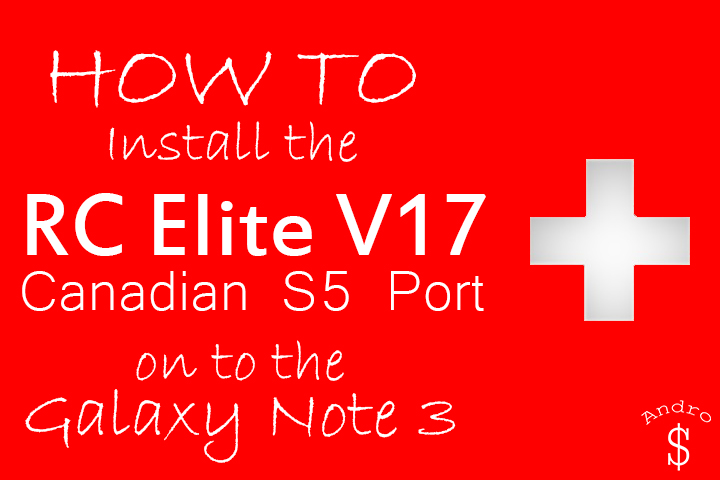
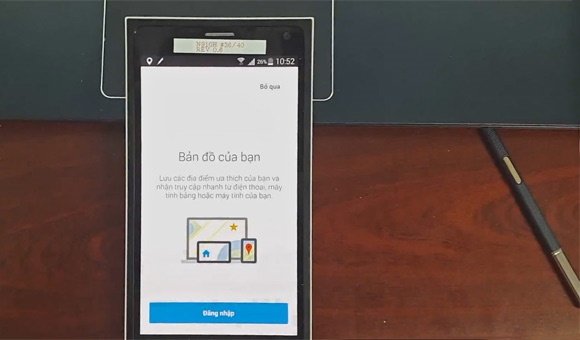
VIDEO : HOW TO : Install the RC Elite (Canadian S5 Port) V17 Rom on to the Galaxy Note 3

  • Banu
  • August 30, 2014
  • 2 minute read
Total
0
Shares
0
0
0

Due to popular demand here’s the RC Elite V17 Rom Installation Guide. This Rom was developed mainly by the Developer, cdmvirt. Don’t forget to show the developer some love by Hitting the “Thanks” button over at XDA and also by Donating.

If you recall, I did 2 videos earlier on other Galaxy S5 Ports. One was the Ice Black Rom, and the Other was the Canadian S5 Port (V16 – The Previous Version of this rom). This New Rom has more features over both of those and it is more stable as well. This rom also has fully working OTA Updates.

You need to be rooted & you MUST use Philz Recovery (Check the below for the download link and Video for the instructions on installing the Recovey). If you’re not Rooted, you can root your device by checking out the related forum over at XDA Developers, You can also contact me if you’re unable to find a safe method, so that I can send you the link. Checkout the Original Thread over at XDA Developers Website here.

Download Links

Download the Latest Philz Recovery File, EITHER the Beta Version or Stable Version of the S5 Port and also the Fixes that you need and then Transfer them to your Internal or External Memory (External SD Card is Recommended).

  • Recovery – Philz Recovery (Thread)
  • Rom – XDA or Rom-Central (Latest Version V17 Direct Link)

If you have any issues with this rom, you can post your questions over at the XDA-Thread, Rom-Central or you can leave your questions down below in the comments section. I will try my best to answer them. Checkout the Video down below and let me know what you think down below in the comments section. This is a must have for your Note 3, so make sure your try this if you have a Note 3.

WARNING – Whatever you do with your phone, you do that entirely on your own risk and you have full responsibility for the consequences. The author can’t be responsible for any damages of your phone!

Total
0
Shares
Share 0
Tweet 0
Pin it 0
Related Topics
  • Galaxy Note 3
  • Galaxy S5 Port
  • How-To
  • Install
  • Samsung
  • Video
  • XDA
  • Youtube
Banu

I'm Banu. I also go by as "Andro Dollar". I am a passionate tech geek born and raised in Sri Lanka who likes to do creative things and look at things differently. I'm a risk taker and a perfectionist. If I'm doing something, I'll do it right! That's my Moto.

Previous Article
GalaxyNote4_AndroDollar

LEAKED : Samsung Galaxy Note 4 Hand-On Video

  • Banu
  • August 29, 2014
View Post
Next Article
Samsung-Galaxy-Note-4-exclusive-710×677

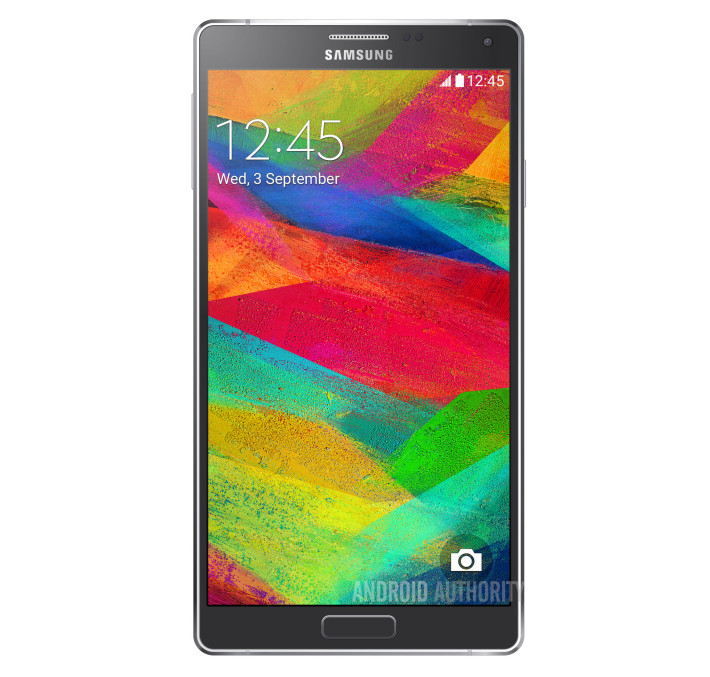
LEAKED : Galaxy Note 4 Render, Poster and Specifications along with a Official Samsung Teaser

  • Banu
  • August 31, 2014
View Post
You May Also Like
View Post
  • Videos

Apple Watch Series 9 PINK 45MM Unboxing and Setup with iPhone 15 Pink

  • Andro Dollar
  • November 18, 2023
View Post
  • Review
  • Videos

Google Pixel 7 Review in Sri Lanka after 6 months of daily use

  • Banu
  • May 8, 2023
View Post
  • Review
  • Videos

M1 Macbook Air (2020) Reviewed in 2023!

  • Banu
  • May 3, 2023
View Post
  • Videos

Make OLD Smartphone feel NEW in 2023 (works on ANDROID AND IOS)

  • Banu
  • January 18, 2023
View Post
  • Hands On
  • Unboxing
  • Videos

GoPro Hero 10 Black Unboxing, Setup & Software Updates

  • Banu
  • October 21, 2021
View Post
  • Videos

MY THOUGHTS on the Apple M1 Pro and M1 Max MacBook Pro

  • Banu
  • October 21, 2021
View Post
  • Unboxing
  • Videos

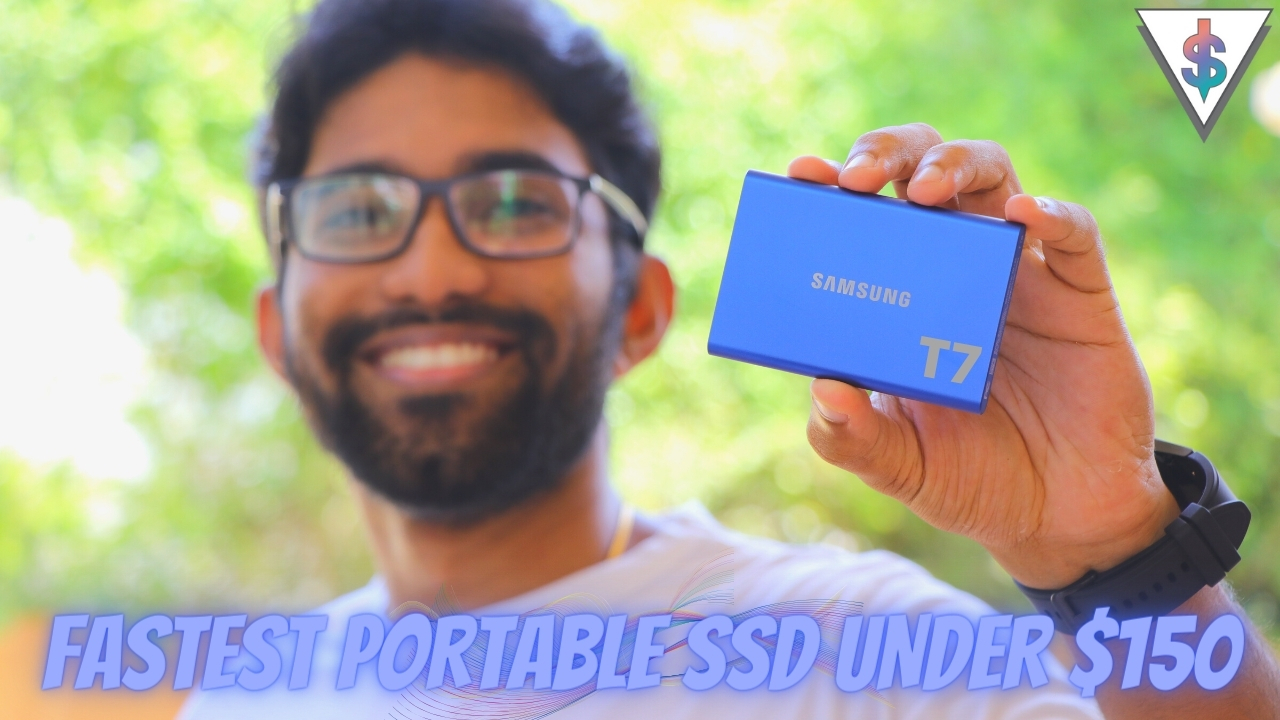
Samsung T7 External SSD UNBOXING and SPEED TEST vs MacBook Internal SSD

  • Banu
  • October 3, 2021
View Post
  • Videos

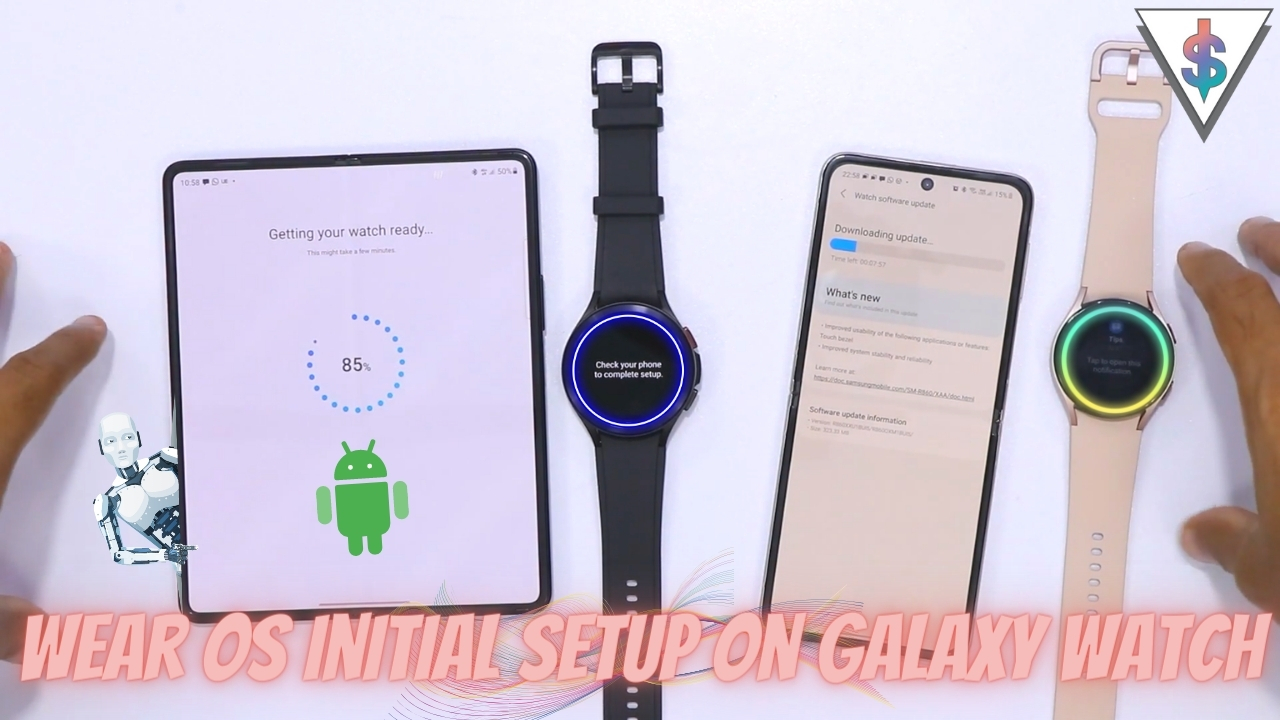
Galaxy Watch 4 and Watch 4 Classic Initial Setup Walkthrough with Galaxy Z Fold 3 and Z Flip 3

  • Banu
  • October 3, 2021
2 comments
  1. Ali Rashid Ghumman says:
    January 16, 2015 at 12:45 AM

    i install dis rom on my note 3 sm n9005 but after installation it keeps restarting and do not turn on

    1. Banu Athuraliya says:
      January 16, 2015 at 2:35 AM

      You are on a Bootloop… Remove your battery, boot back in to the recovery mode, Wipe and reinstall the rom and reboot… If it doesnt work try some other rom!

Leave a Reply Cancel reply

You must be logged in to post a comment.

Ebates Coupons and Cash Back
Andro Dollar Andro Dollar
  • Advertise on Andro Dollar
  • Videos
  • Gaming
  • About Us
  • Contact Us
  • Newsletter
  • Wallpaper
  • Privacy Policy
  • Terms and Conditions
Tech with over a decade of experience

Input your search keywords and press Enter.

Powered by Joinchat
Hello 👋
Can we help you?
Open chat