Andro Dollar Andro Dollar
  • Advertise on Andro Dollar
  • Videos
  • Gaming
  • About Us
  • Contact Us
  • Newsletter
  • Wallpaper
  • Privacy Policy
  • Terms and Conditions
Andro Dollar Andro Dollar Andro Dollar
  • Videos
    • Unboxings
    • Reviews
    • Tips
    • Vlogs
    • Best Apps
    • Best Games
  • Shorts
  • Reviews
  • News
11406777_10200525479935579_8056691633911035045_n

HOW TO : Try the Apple Watch without Buying an Apple Watch

  • Banu
  • June 9, 2015
  • 2 minute read
Total
0
Shares
0
0
0

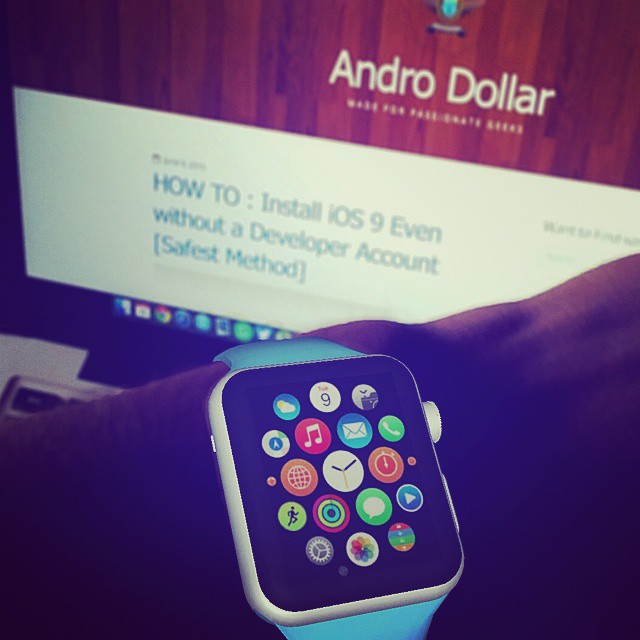
So earlier today I posted an Image on Instagram with the Caption, “Hey wait a Minute, Is that what I think it is? 😉 #AppleWatch” and that got a lot of buzz surrounding it and a lot of people thought that I actually bought an Apple Watch. I’m sorry to tell you, I didn’t. I just wanted to mess around with everyone to generate some Hype before making this article for you guys, so in this How To, I am going to tell you how you can Try the Apple Watch without even Buying an Apple Watch. Let’s get started.

Checkout the Original Image I posted on Instagram earlier today,

Hey wait a Minute, Is that what I think it is? 😉 #AppleWatch #Apple #WWDC15 #iPhone6 #iOS #WatchOS2 #TeamAndroDollar #lka #AndroDollar

A photo posted by $ BANU $ ✅ (@banuathuraliya) on Jun 9, 2015 at 4:16am PDT


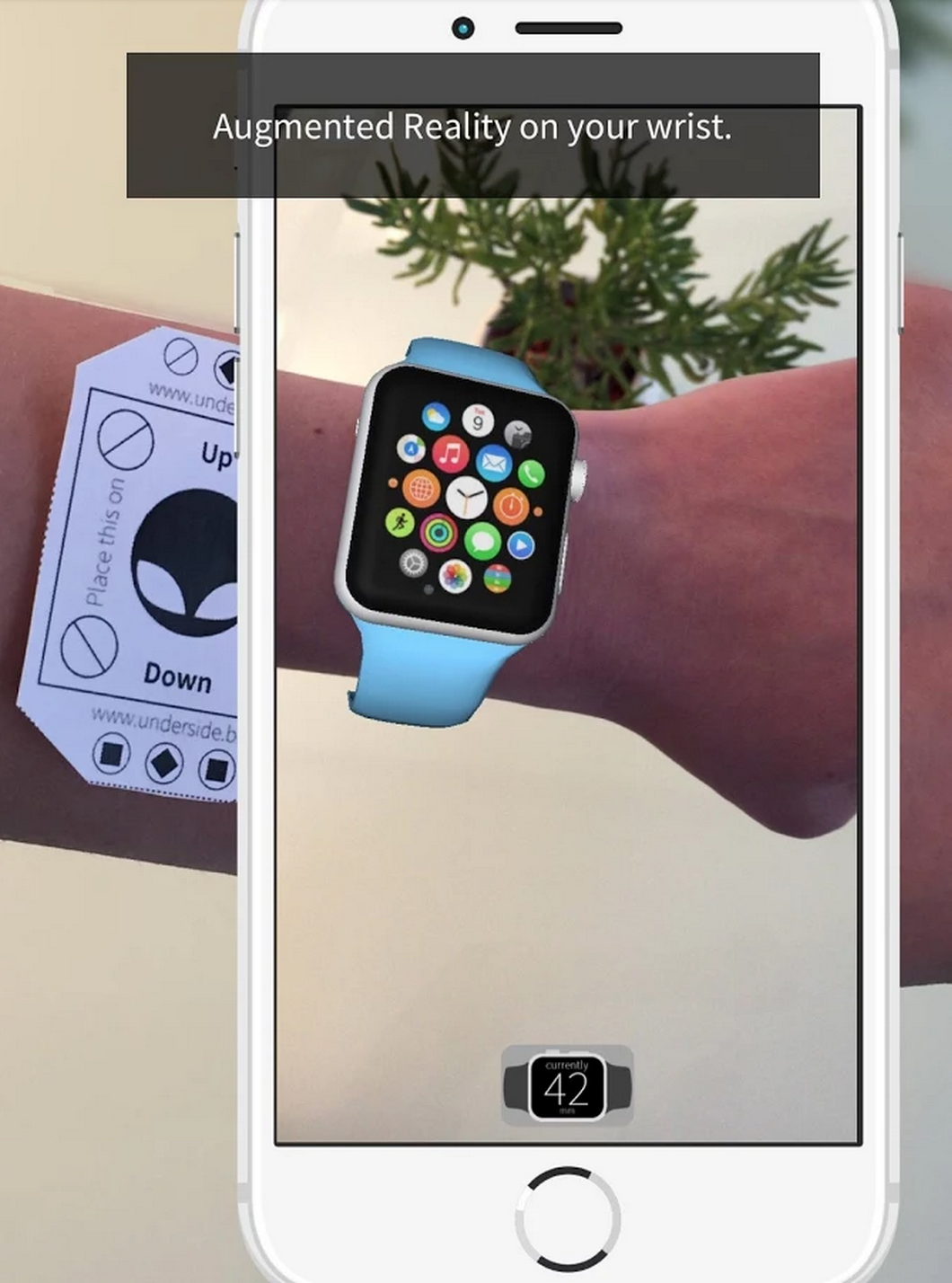
This was done by using by using Augmented Reality using the App AR Watch. Huge shoutout to the Creators of this Amazing App. By using this, You can try the Apple Watch Sport and also you can compare the 38-mm and 42-mm versions, as well as try on the various colored sport bands.

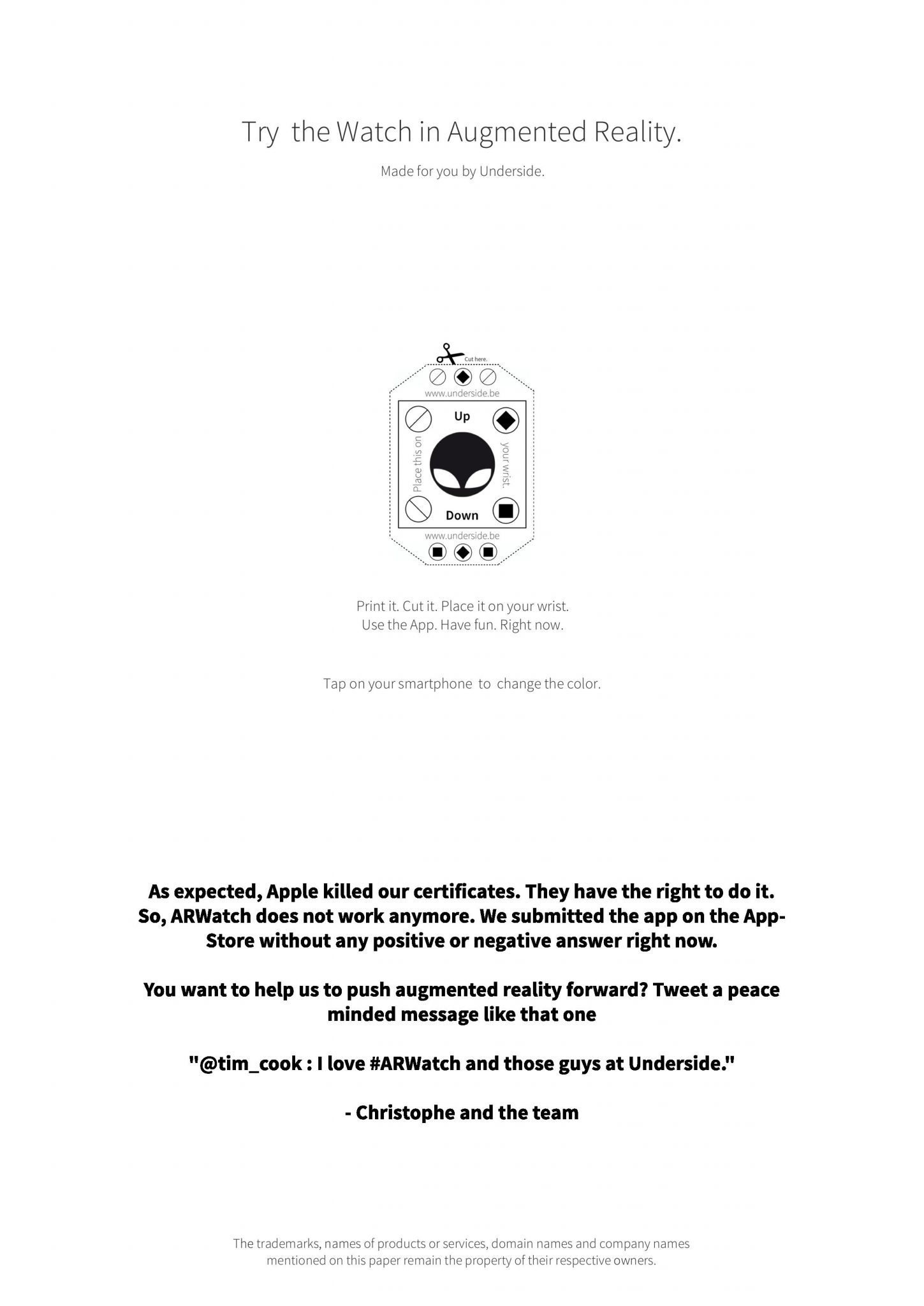
First you need to Print the Image given below, or this PDF and then you need to cut out the Apple Watch placeholder, and put it on to your wrist. Best would be to use doube sided tape to just stick it there.
target-page-001

Next you need to download the AR Watch App for your Android device from the Google Play Store, or for any iOS device by Scanning the following QR Code.

Screen Shot 2015-06-09 at 7.07.12 PM

Next, you can launch the App and point your phone’s camera at the paper you’ve attached to your wrist, and you will see a virtual Apple Watch appear right in front of you in place of the Placeholder.

Now You can examine the watch from a variety of angles, and tapping the one icon on the screen lets you toggle between the 38-mm and 42-mm versions; tapping on the Strap lets you change the band colors.
Screen Shot 2015-06-09 at 7.02.39 PM

Well that’s it. It’s that simple, and it’s that Awesome. Just Magic!

Now go ahead and Give this a shot, and try to fool your friends as well. If you like the strategy I put into hype up this Tutorial, Definitely go ahead and Share this with your friends. For more Cool Tips and Amazing content, Stay tuned to www.androdollar.com.

Total
0
Shares
Share 0
Tweet 0
Pin it 0
Related Topics
  • Apple
  • Apple Watch
  • AR Watch
Banu

I'm Banu. I also go by as "Andro Dollar". I am a passionate tech geek born and raised in Sri Lanka who likes to do creative things and look at things differently. I'm a risk taker and a perfectionist. If I'm doing something, I'll do it right! That's my Moto.

Previous Article
ios-9-main

HOW TO : Install iOS 9 Even without a Developer Account [Safest Method]

  • Banu
  • June 9, 2015
View Post
Next Article
AndroidMSony_AndroDollar

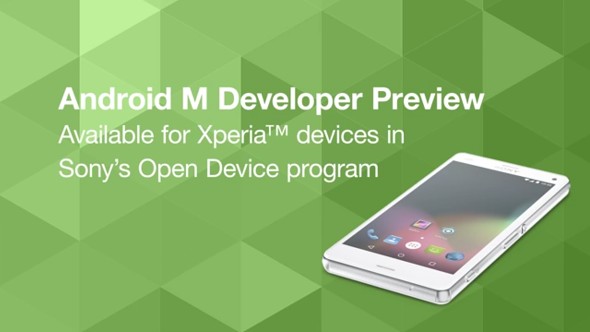
Android M Developer Preview available for selected Xperia devices

  • Banu
  • June 23, 2015
View Post
You May Also Like
View Post
  • How To

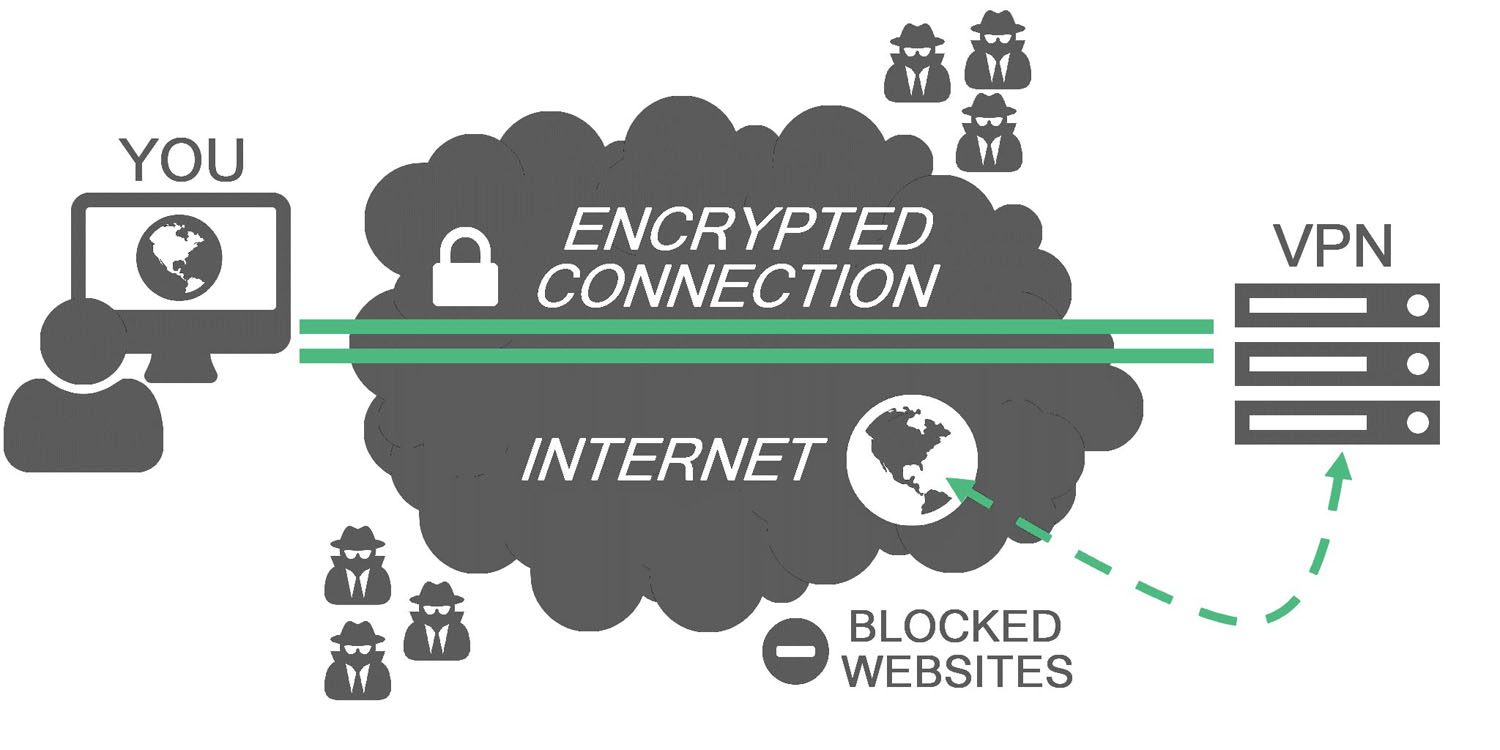
HOW TO : Add a VPN to your web browser in 3 simple steps

  • Writer Andro Dollar
  • May 10, 2019
View Post
  • How To

How to install Android P on your Google Pixel 2, Pixel 2 XL, Pixel or Pixel XL

  • Banu
  • March 8, 2018
View Post
  • How To

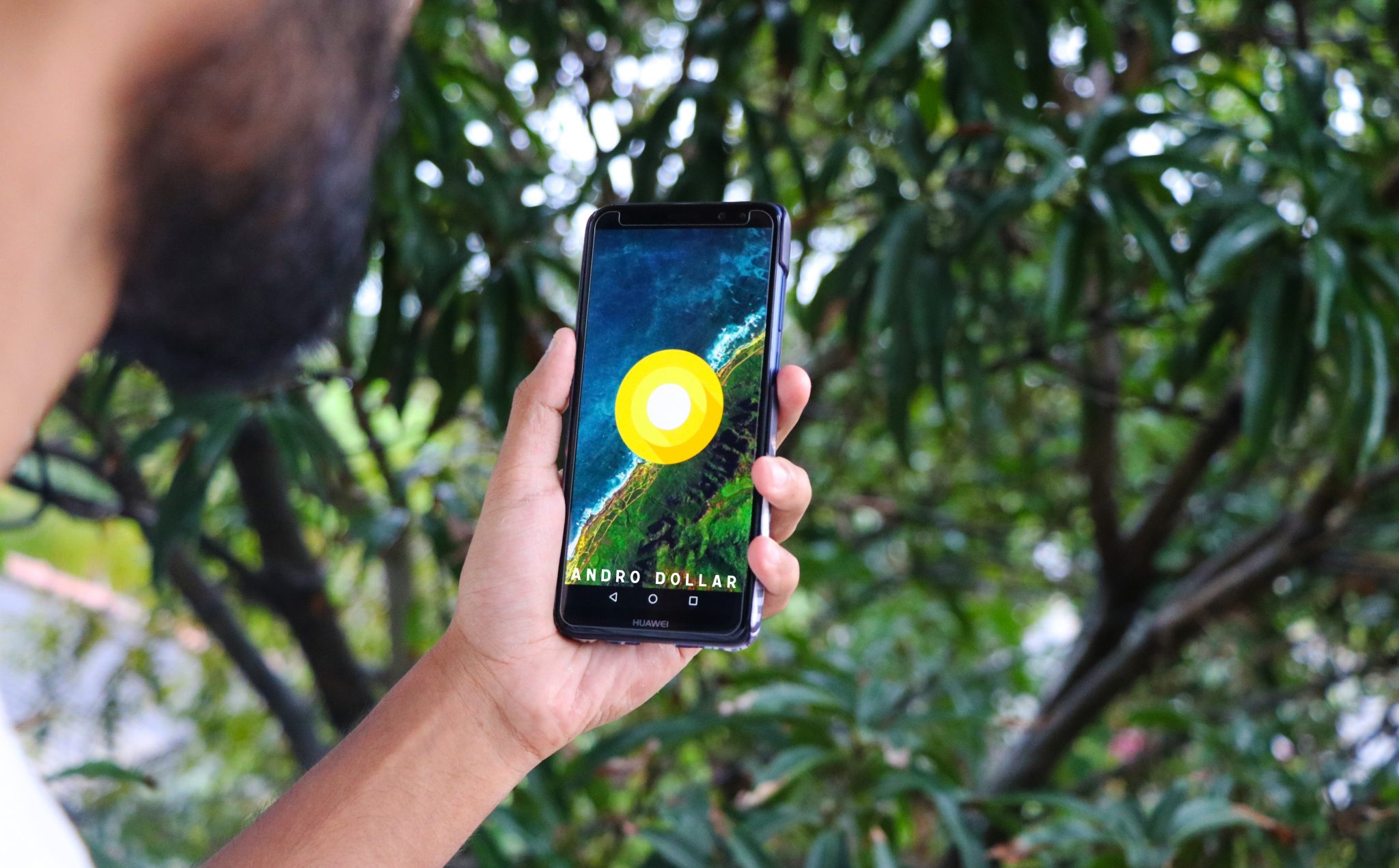
HOW TO : Install Android 8.0 Oreo Beta on to your Huawei Nova 2i NOW

  • Banu
  • March 3, 2018
View Post
  • How To

Bring back the “View Image” button on Google Images in less than 1 minute

  • Banu
  • February 19, 2018
screen-shot-2016-12-08-at-10-02-44-pm
View Post
  • How To

HOW TO : Take a screenshot on Android phones and tablets

  • Banu
  • December 8, 2016
fix-mobile-network-not-available-error-1000×875
View Post
  • How To

How To : Fix Android’s ‘insufficient storage available’ error message

  • Banu
  • November 28, 2016
Technicians working on electronics or motherboard
View Post
  • How To

HOW TO : Fix a PC that won’t start up

  • Banu
  • November 20, 2016
cable2-520×354
View Post
  • How To

HOW TO : Connect a laptop to a TV via HDMI, VGA and USB

  • Banu
  • November 14, 2016

Leave a Reply Cancel reply

You must be logged in to post a comment.

Ebates Coupons and Cash Back
Andro Dollar Andro Dollar
  • Advertise on Andro Dollar
  • Videos
  • Gaming
  • About Us
  • Contact Us
  • Newsletter
  • Wallpaper
  • Privacy Policy
  • Terms and Conditions
Tech with over a decade of experience

Input your search keywords and press Enter.

Powered by Joinchat
Hello 👋
Can we help you?
Open chat