Andro Dollar Andro Dollar
  • Advertise on Andro Dollar
  • Videos
  • Gaming
  • About Us
  • Contact Us
  • Newsletter
  • Wallpaper
  • Privacy Policy
  • Terms and Conditions
Andro Dollar Andro Dollar Andro Dollar
  • Videos
    • Unboxings
    • Reviews
    • Tips
    • Vlogs
    • Best Apps
    • Best Games
  • Shorts
  • Reviews
  • News

HOW TO : Save battery on iOS 7

  • Banu
  • December 17, 2013
  • 1 minute read
Total
0
Shares
0
0
0

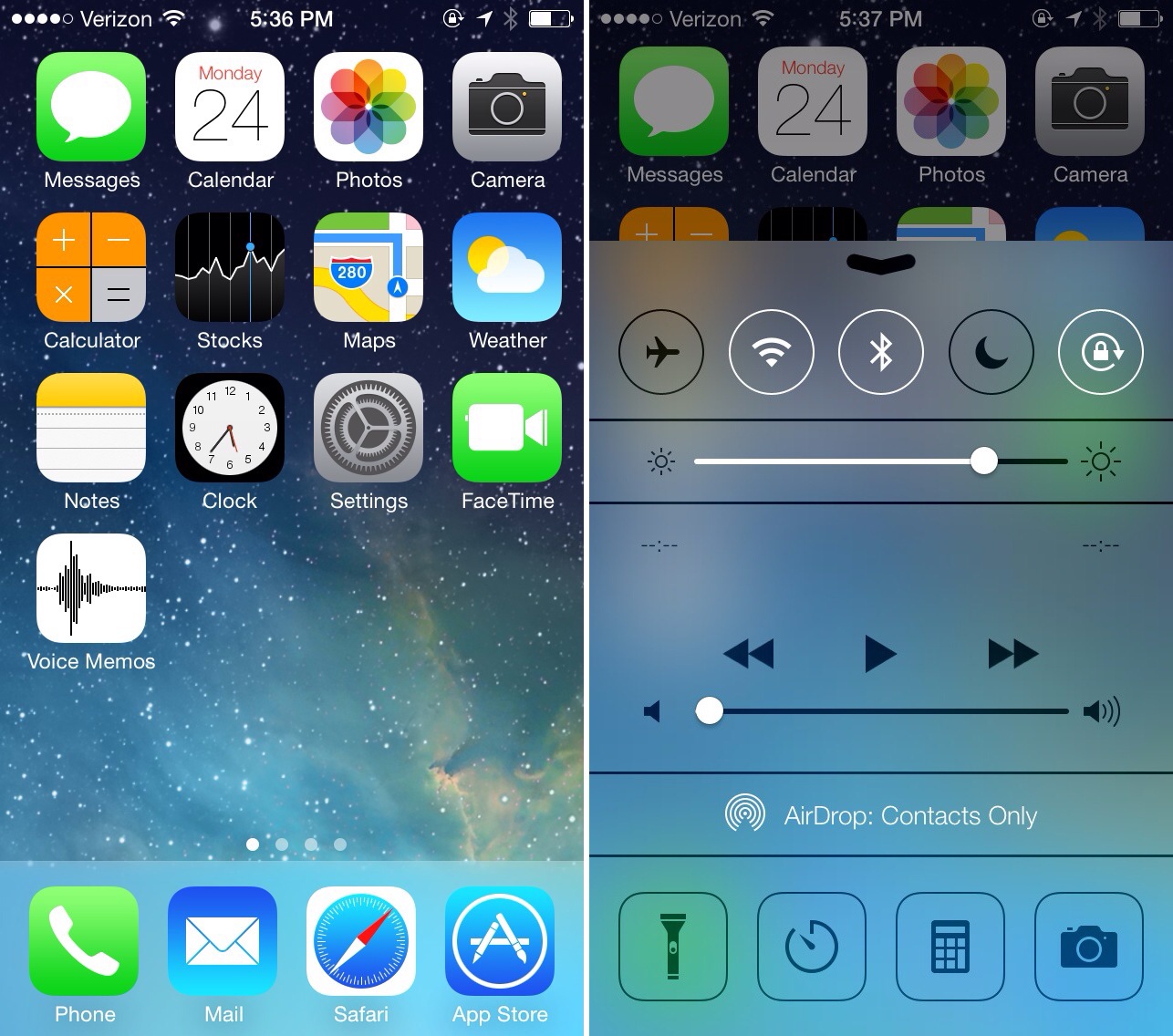
20131217-205516.jpg

These are some tips to increase your battery life

1.Turn off auto brightness and adjust it to a middle level.
(Sometimes your light sensor will detect sunlight and increase the brightness to an unwanted level,and that will costume the battery quickly)

2.Turn off location services.
(Location services runs on GPS,and it is one of the top reasons that consume your battery the most)

3.Turn off vibration.
(Vibration is made by a motor like spinning machine and if your ringtone is more than enough to alert you then try to keep it turned off)

4.Turn off background data.
(This is the one that has the biggest impact on your battery.Background data runs your Internet service when you are not even using your phone,so it’s like using internet with the screen turned off)

5.Turn off auto updates.
(Keeping auto updates on will always check updates from time to time using your internet connection without you noticing and that will result your phone to have a lower battery life)

Total
0
Shares
Share 0
Tweet 0
Pin it 0
Related Topics
  • iOS
  • iOS 7
  • iPad Air
  • iPhone 5
  • iPhone 5C
  • iPhone 5S
Banu

I'm Banu. I also go by as "Andro Dollar". I am a passionate tech geek born and raised in Sri Lanka who likes to do creative things and look at things differently. I'm a risk taker and a perfectionist. If I'm doing something, I'll do it right! That's my Moto.

Previous Article

Gameloft’s Modern Combat 5 has been delayed until sometime in 2014

  • Banu
  • December 17, 2013
View Post
Next Article

Samsung’s GamePad is now an official thing, available in Europe only for right now

  • Banu
  • December 17, 2013
View Post
You May Also Like
View Post
  • How To

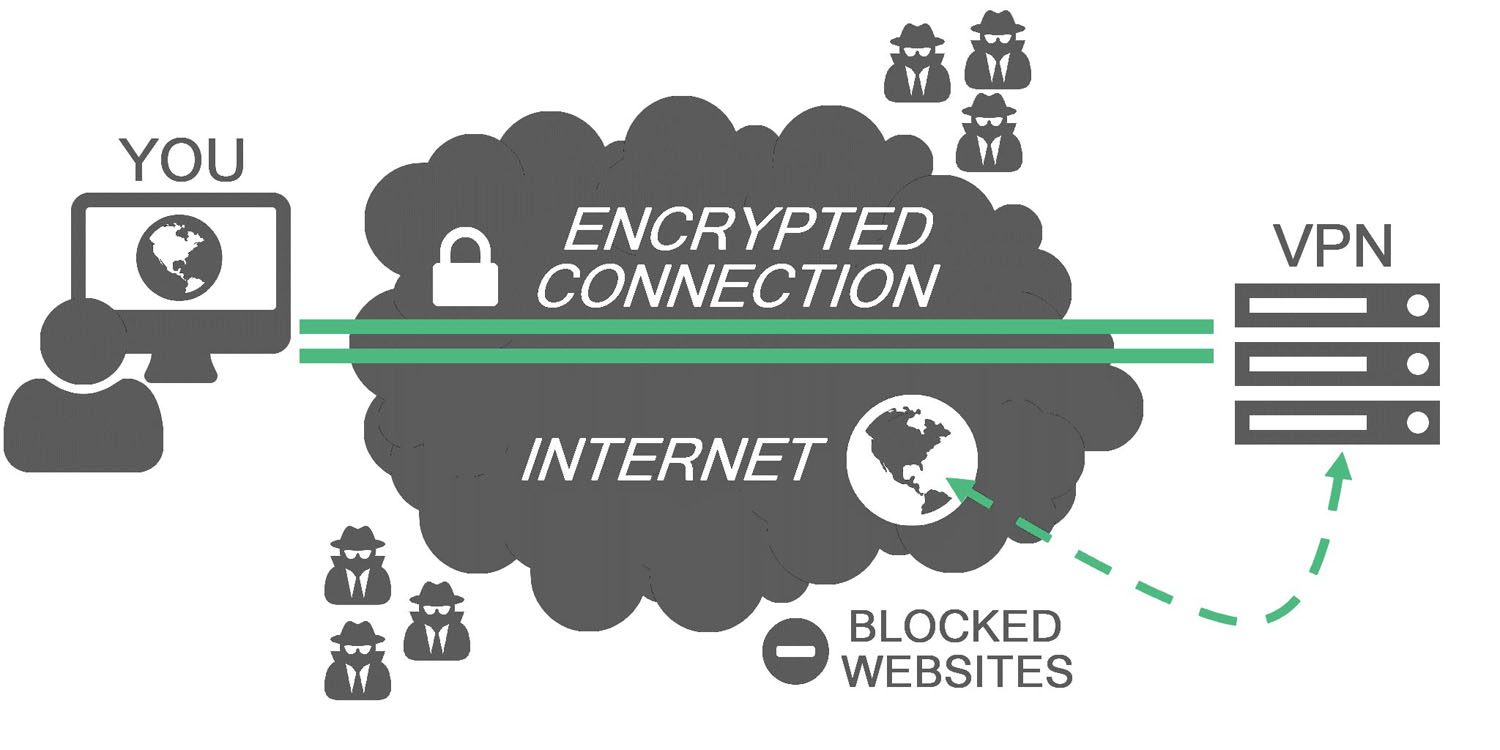
HOW TO : Add a VPN to your web browser in 3 simple steps

  • Writer Andro Dollar
  • May 10, 2019
View Post
  • How To

How to install Android P on your Google Pixel 2, Pixel 2 XL, Pixel or Pixel XL

  • Banu
  • March 8, 2018
View Post
  • How To

HOW TO : Install Android 8.0 Oreo Beta on to your Huawei Nova 2i NOW

  • Banu
  • March 3, 2018
View Post
  • How To

Bring back the “View Image” button on Google Images in less than 1 minute

  • Banu
  • February 19, 2018
screen-shot-2016-12-08-at-10-02-44-pm
View Post
  • How To

HOW TO : Take a screenshot on Android phones and tablets

  • Banu
  • December 8, 2016
fix-mobile-network-not-available-error-1000×875
View Post
  • How To

How To : Fix Android’s ‘insufficient storage available’ error message

  • Banu
  • November 28, 2016
Technicians working on electronics or motherboard
View Post
  • How To

HOW TO : Fix a PC that won’t start up

  • Banu
  • November 20, 2016
cable2-520×354
View Post
  • How To

HOW TO : Connect a laptop to a TV via HDMI, VGA and USB

  • Banu
  • November 14, 2016

Leave a Reply Cancel reply

You must be logged in to post a comment.

Ebates Coupons and Cash Back
Andro Dollar Andro Dollar
  • Advertise on Andro Dollar
  • Videos
  • Gaming
  • About Us
  • Contact Us
  • Newsletter
  • Wallpaper
  • Privacy Policy
  • Terms and Conditions
Tech with over a decade of experience

Input your search keywords and press Enter.

Powered by Joinchat
Hello 👋
Can we help you?
Open chat