Andro Dollar Andro Dollar
  • Advertise on Andro Dollar
  • Videos
  • Gaming
  • About Us
  • Contact Us
  • Newsletter
  • Wallpaper
  • Privacy Policy
  • Terms and Conditions
Andro Dollar Andro Dollar Andro Dollar
  • Videos
    • Unboxings
    • Reviews
    • Tips
    • Vlogs
    • Best Apps
    • Best Games
  • Shorts
  • Reviews
  • News
Download-the-appropriate-Android-M-Developer-Preview-image-for-your-device

HOW TO : Install the Developer Preview of Android M

  • Banu
  • May 30, 2015
  • 1 minute read
Total
0
Shares
0
0
0

The Android M Developer Preview is out and you can download and install it if you have a Nexus 6, Nexus 5, Nexus 9, or the Nexus Player. A lot of people asked me how to install it, and I’m here to tell you guys how you can easily install it on to your device.

Before we begin,

  • Backup the data in your device as everything will be lost.
  • Make sure USB Debugging is enabled under Developer Options.
  • Make sure your device is charged.
  • Make sure you have the Android SDK installed on your device.
  • If the Bootloader on your device is locked, First unlock it.

Downloads

You can download the firmware from here or get it from the direct links given below.

  • Nexus 6
  • Nexus 9
  • Nexus 5
  • Nexus Player

How to Install

  • First Unzip the Image you downloaded.
  • Boot in to the Bootloader of your device. (From a powered off state, hold down volume + Power)
  • Connect your phone to the PC, and Open a Terminal Window.
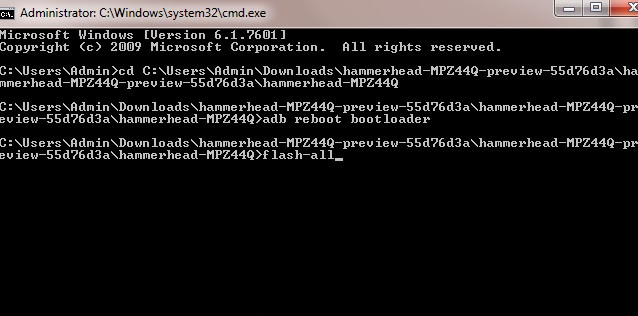
  • Then Navigate to the folder where you have downloaded the Android M system image (Type ‘cd C:\your directory\Android-M-image-folder-path’)
  • Now Type ‘flash-all’

Type-flash-all

  • Wait for the Flashing to complete, and Relock the Bootloader if necessary.
  • Enjoy Android M.

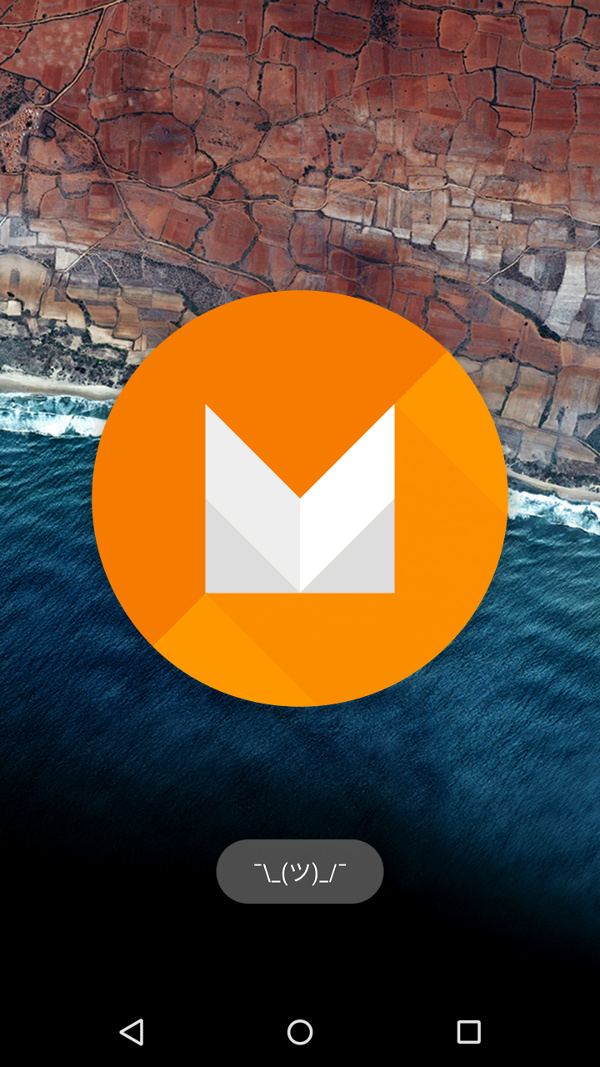
Your-device-should-reboot-to-the-fresh-new-Android-M

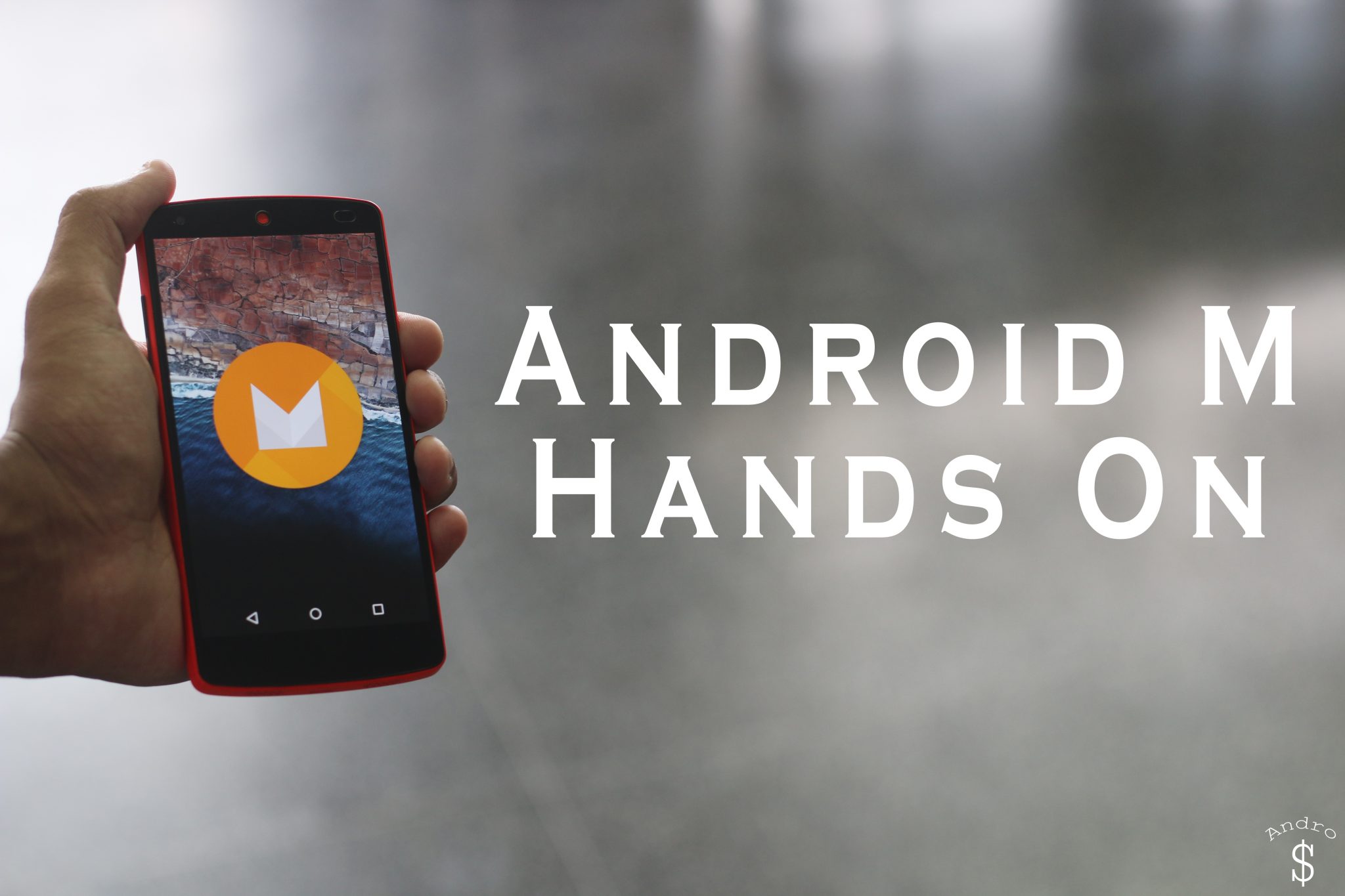
If you found this useful, feel free to Share this with your friends, and don’t forget to checkout my Hands on Video of Android M.

Source – Google

WARNING – Whatever you do with your phone, you do that entirely on your own risk and you have full responsibility for the consequences. The author can’t be responsible for any damages of your phone!

Total
0
Shares
Share 0
Tweet 0
Pin it 0
Related Topics
  • Android
  • Android Developers
  • Android M
  • Android SDK
  • Download
  • Google
  • Google I/O
  • Google I/O 2015
  • How-To
  • Nexus
  • Nexus 5
  • Nexus 6
  • Nexus 9
Banu

I'm Banu. I also go by as "Andro Dollar". I am a passionate tech geek born and raised in Sri Lanka who likes to do creative things and look at things differently. I'm a risk taker and a perfectionist. If I'm doing something, I'll do it right! That's my Moto.

Previous Article
Android M Hands On Andro Dollar

Android M Hands on & Initial Impressions

  • Banu
  • May 30, 2015
View Post
Next Article
2015-06-01-image

Microsoft will release the final version of Windows 10 on July 29th

  • Banu
  • June 1, 2015
View Post
You May Also Like
View Post
  • How To

HOW TO : Add a VPN to your web browser in 3 simple steps

  • Writer Andro Dollar
  • May 10, 2019
View Post
  • How To

How to install Android P on your Google Pixel 2, Pixel 2 XL, Pixel or Pixel XL

  • Banu
  • March 8, 2018
View Post
  • How To

HOW TO : Install Android 8.0 Oreo Beta on to your Huawei Nova 2i NOW

  • Banu
  • March 3, 2018
View Post
  • How To

Bring back the “View Image” button on Google Images in less than 1 minute

  • Banu
  • February 19, 2018
screen-shot-2016-12-08-at-10-02-44-pm
View Post
  • How To

HOW TO : Take a screenshot on Android phones and tablets

  • Banu
  • December 8, 2016
fix-mobile-network-not-available-error-1000×875
View Post
  • How To

How To : Fix Android’s ‘insufficient storage available’ error message

  • Banu
  • November 28, 2016
Technicians working on electronics or motherboard
View Post
  • How To

HOW TO : Fix a PC that won’t start up

  • Banu
  • November 20, 2016
cable2-520×354
View Post
  • How To

HOW TO : Connect a laptop to a TV via HDMI, VGA and USB

  • Banu
  • November 14, 2016

Leave a Reply Cancel reply

You must be logged in to post a comment.

Ebates Coupons and Cash Back
Andro Dollar Andro Dollar
  • Advertise on Andro Dollar
  • Videos
  • Gaming
  • About Us
  • Contact Us
  • Newsletter
  • Wallpaper
  • Privacy Policy
  • Terms and Conditions
Tech with over a decade of experience

Input your search keywords and press Enter.

Powered by Joinchat
Hello 👋
Can we help you?
Open chat