Andro Dollar Andro Dollar
  • Advertise on Andro Dollar
  • Videos
  • Gaming
  • About Us
  • Contact Us
  • Newsletter
  • Wallpaper
  • Privacy Policy
  • Terms and Conditions
Andro Dollar Andro Dollar Andro Dollar
  • Videos
    • Unboxings
    • Reviews
    • Tips
    • Vlogs
    • Best Apps
    • Best Games
  • Shorts
  • Reviews
  • News
iglaze-cover-for-macbook-pro-15-02

HOW TO : Prevent your Macbook from Over Heating

  • Banu
  • November 2, 2016
  • 1 minute read
Total
0
Shares
0
0
0

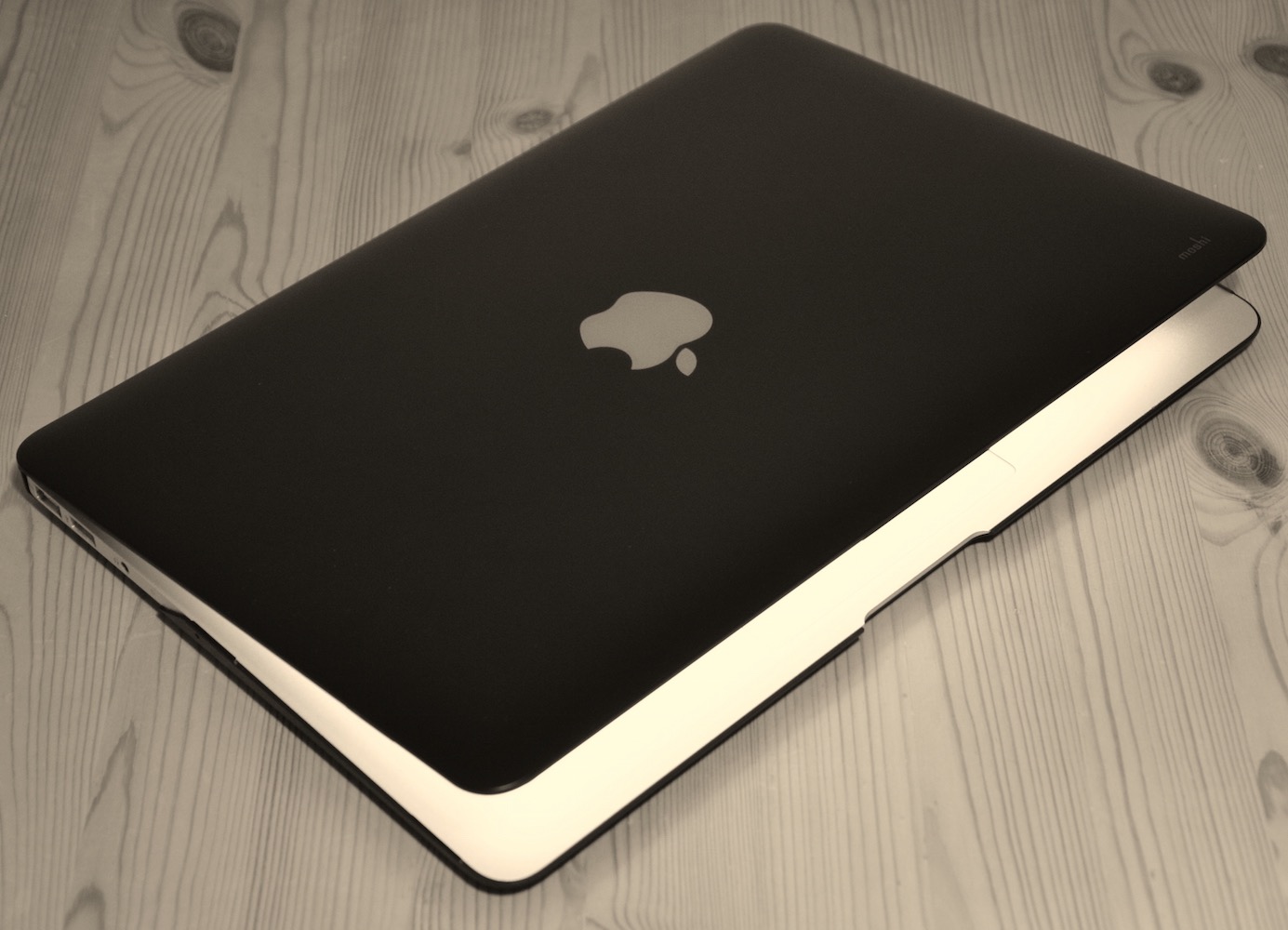
Nowadays everyone has a mac, and Apple just launched all new MacBook Pro models as well. Since it is Mac season, I decided to write an article about preventing your Macbook from Overheating. Please share with your friends if you find this useful.

Yes, The problem of overheating laptops has been bothering us for years. By laptop manufacturers making their products smaller in size they make the internal components also smaller in size and place. They also have to place all these parts closer to each other. The SoC, motherboard and hard drive all produce heat. The close positions concentrates the heat that is emitted.

Here’s what you can do.

• Do Not cover the airflow vents, especially the rear vents, which could cause the computer to overheat.
• Keep the Mac on a flat surface whenever possible.
• Clean the air vents as often as possible. Dust accumulates on the vents, which will block them and prevent them from working efficiently.
• Do Not place anything on your laptop keyboard which will make the MAC switch on and off unnecessarily.
• Shut down your computer in the night if you don’t have anything important in it and if you’re not using it.
• Set it to standby mode or sleep mode when it is not in use during the day.
• Make sure to switch your laptop off when it is in a bag.

Short and Simple. Have anything to add to the list? Drop a comment and let me know.

Total
0
Shares
Share 0
Tweet 0
Pin it 0
Related Topics
  • How-To
  • Laptop
  • Mac
  • Tutorial
Banu

I'm Banu. I also go by as "Andro Dollar". I am a passionate tech geek born and raised in Sri Lanka who likes to do creative things and look at things differently. I'm a risk taker and a perfectionist. If I'm doing something, I'll do it right! That's my Moto.

Previous Article
macbookpro2016_2

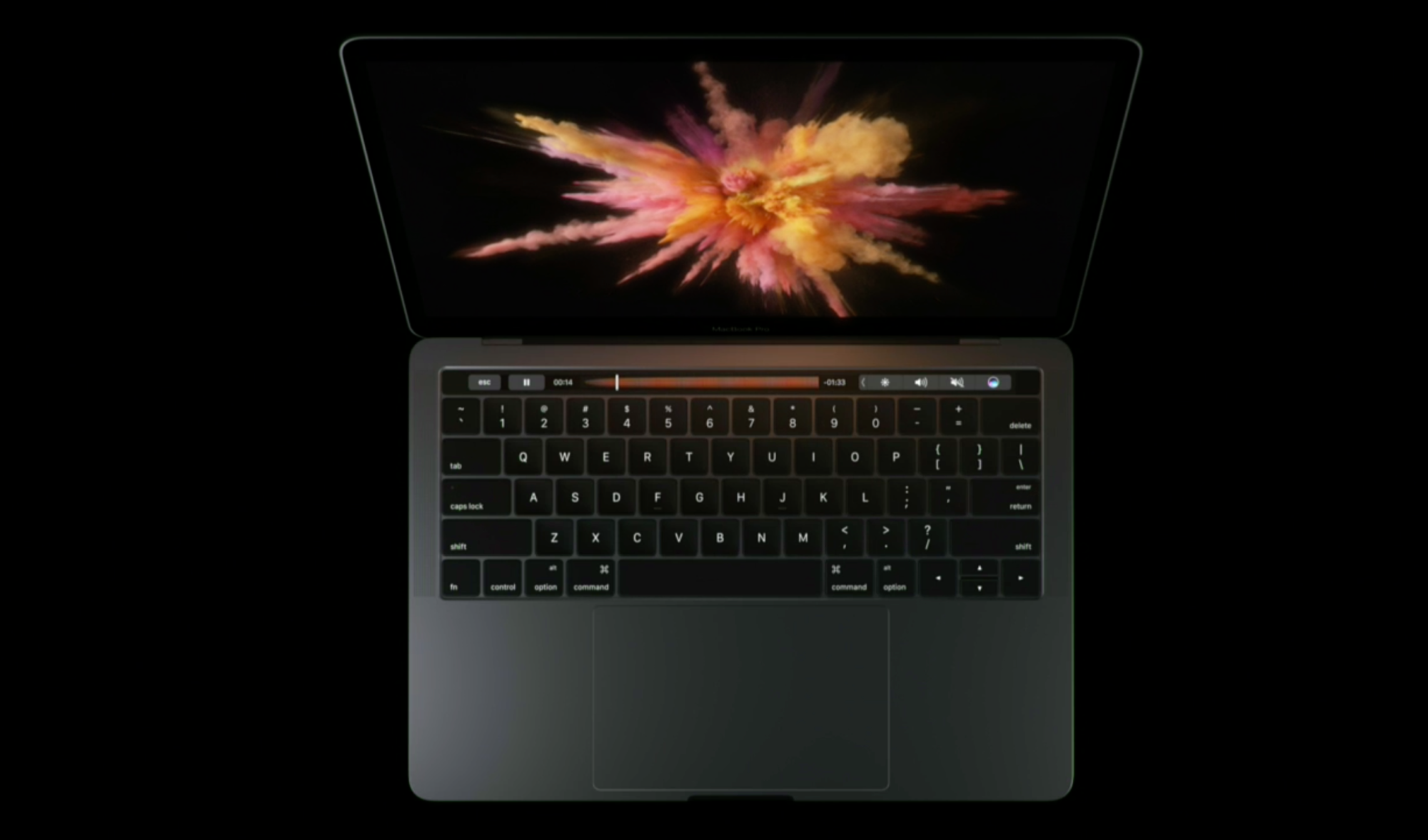
Apple announces a redesigned MacBook Pro with an all new Touch Bar

  • Banu
  • October 27, 2016
View Post
Next Article
screen-shot-2016-10-28-at-11-56-26-am

Apple drops the price of the USB C accessories of the Macbook and the new Macbook Pro

  • Banu
  • November 6, 2016
View Post
You May Also Like
View Post
  • How To

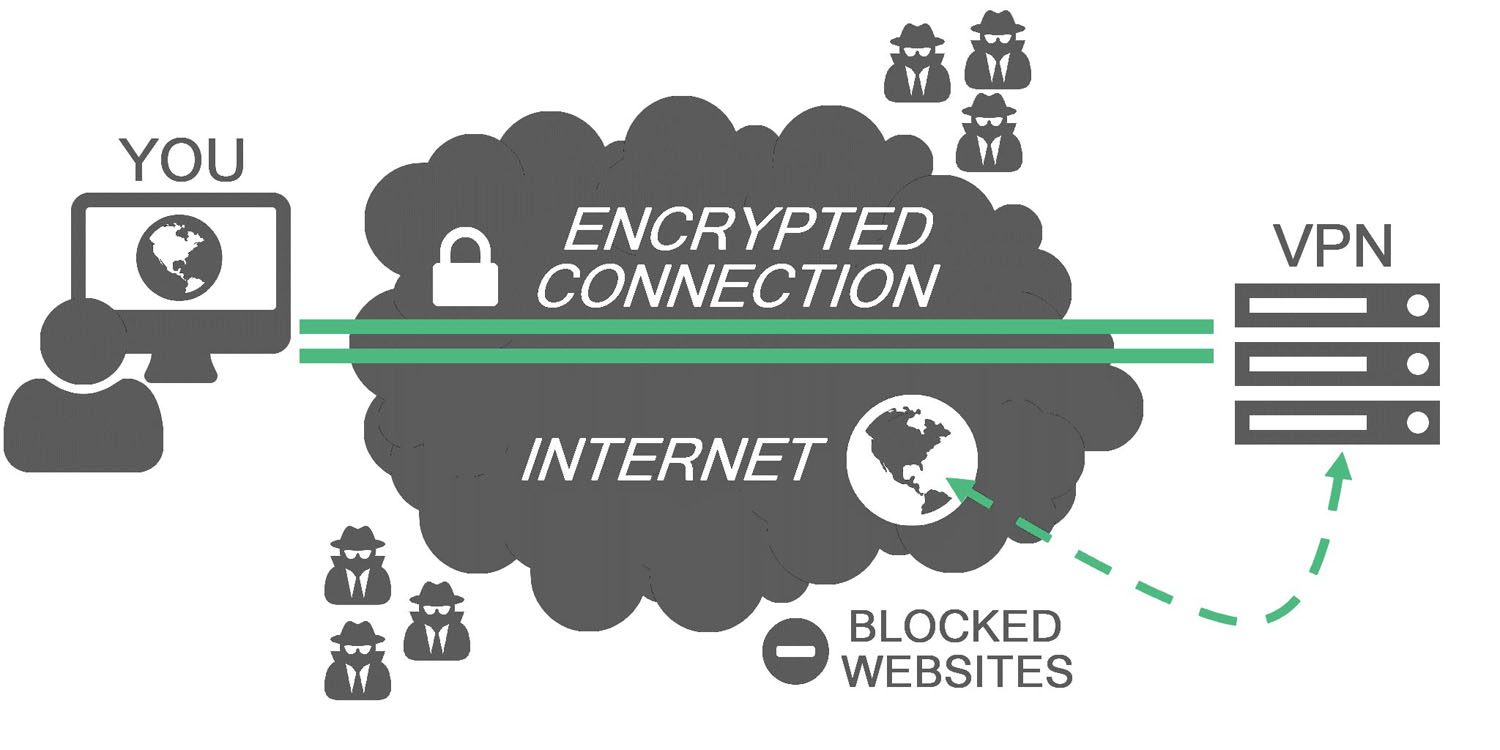
HOW TO : Add a VPN to your web browser in 3 simple steps

  • Writer Andro Dollar
  • May 10, 2019
View Post
  • How To

How to install Android P on your Google Pixel 2, Pixel 2 XL, Pixel or Pixel XL

  • Banu
  • March 8, 2018
View Post
  • How To

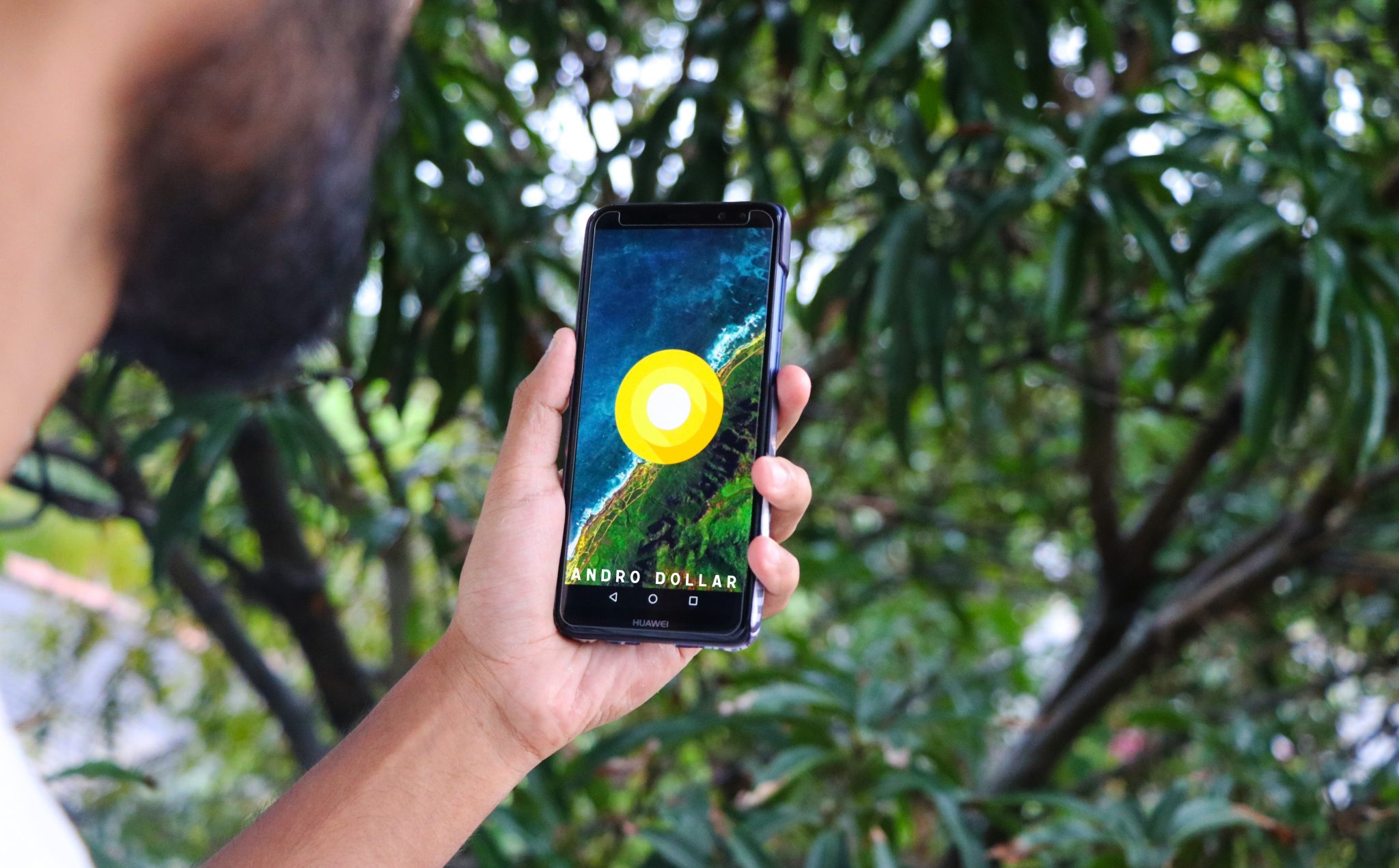
HOW TO : Install Android 8.0 Oreo Beta on to your Huawei Nova 2i NOW

  • Banu
  • March 3, 2018
View Post
  • How To

Bring back the “View Image” button on Google Images in less than 1 minute

  • Banu
  • February 19, 2018
screen-shot-2016-12-08-at-10-02-44-pm
View Post
  • How To

HOW TO : Take a screenshot on Android phones and tablets

  • Banu
  • December 8, 2016
fix-mobile-network-not-available-error-1000×875
View Post
  • How To

How To : Fix Android’s ‘insufficient storage available’ error message

  • Banu
  • November 28, 2016
Technicians working on electronics or motherboard
View Post
  • How To

HOW TO : Fix a PC that won’t start up

  • Banu
  • November 20, 2016
cable2-520×354
View Post
  • How To

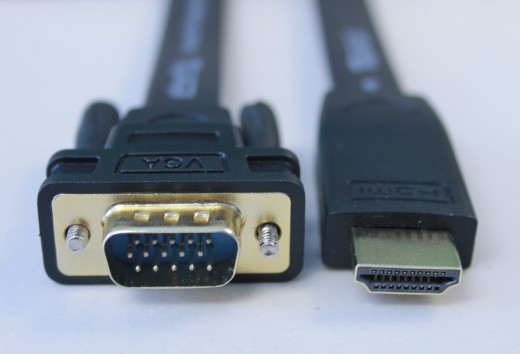
HOW TO : Connect a laptop to a TV via HDMI, VGA and USB

  • Banu
  • November 14, 2016

Leave a Reply Cancel reply

You must be logged in to post a comment.

Ebates Coupons and Cash Back
Andro Dollar Andro Dollar
  • Advertise on Andro Dollar
  • Videos
  • Gaming
  • About Us
  • Contact Us
  • Newsletter
  • Wallpaper
  • Privacy Policy
  • Terms and Conditions
Tech with over a decade of experience

Input your search keywords and press Enter.

Powered by Joinchat
Hello 👋
Can we help you?
Open chat