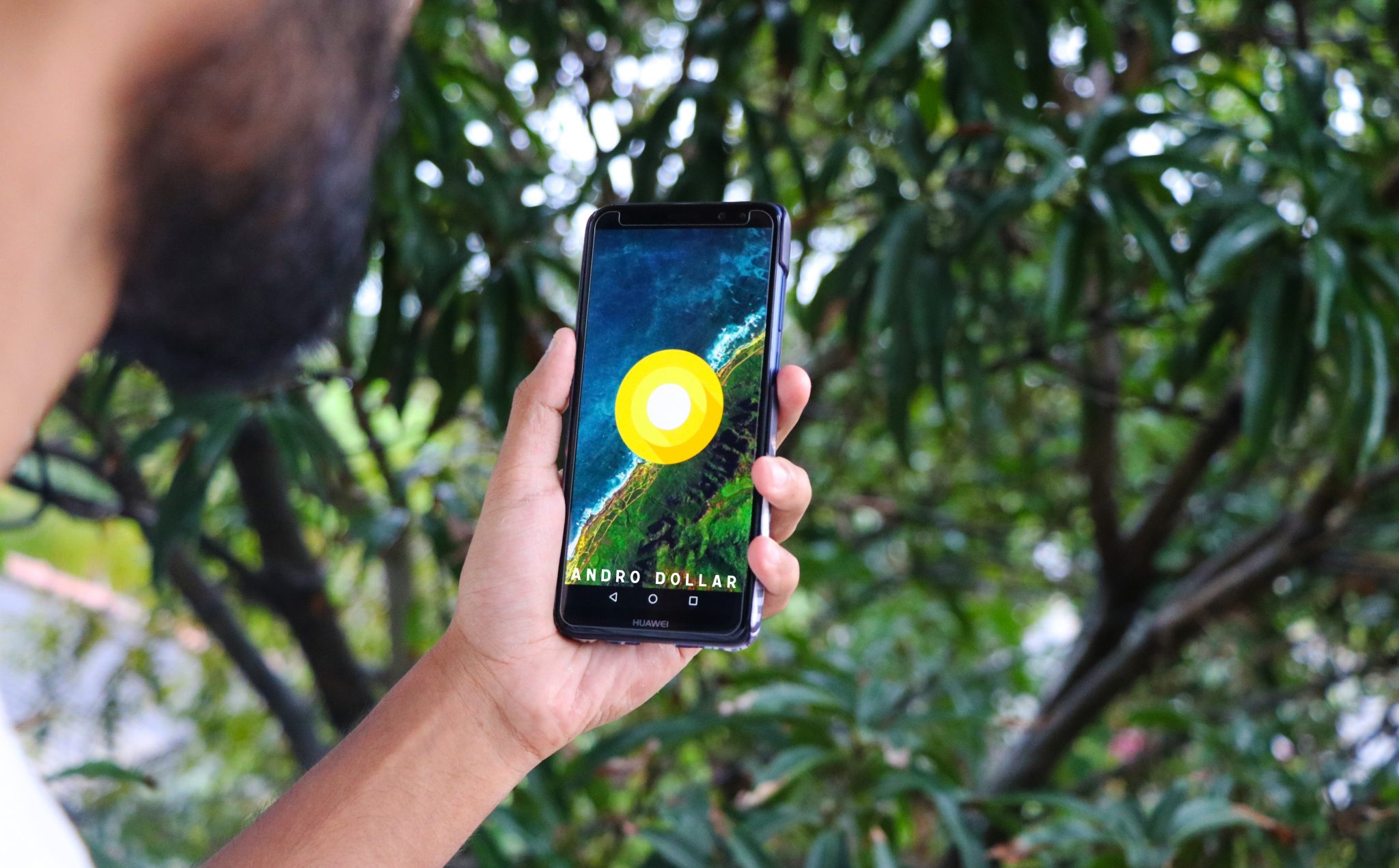
I already made a video on Android 8.0 Oreo for the Huawei Nova 2i with EMUI 8.0 and a lot of people messaged me and asked how they can install the Oreo update on to their devices as well. As a reviewer, I have received the update early to test out and make a video for you guys so that you can be ready for the final release coming very soon. If you really can’t wait though, there is an alternative way that you can join the beta program run by Huawei officially and install the Oreo update on to your Huawei Nova 2i. In this tutorial that’s what I’m going to show you.
Here’s my video on Android 8.0 Oreo running on the Huawei Nova 2i with EMUI 8.0.
WARNING – Whatever you do with your phone, you do that entirely on your own risk and you have full responsibility for the consequences. The author won’t be responsible for any damages to your phone!
Note that this is a this Beta version Of Oreo and not the final version therefore it might reduce the performance of your device, or some features will not be available until the final release.
Prerequisites
Make sure you’re running on one of the following build numbers. Go to Settings –> About phone to verify that.
-
- RNE-L22C636B142CUSTC636D001
- RNE-L22C636B141CUSTC636D002
- RNE-L22C636B132CUSTC636D001
Here’s how to join the beta
- Back up your data before installing the beta update on to your device as some files might get deleted after updating or during use of this beta Oreo firmware.
- Download the BETA app from here.
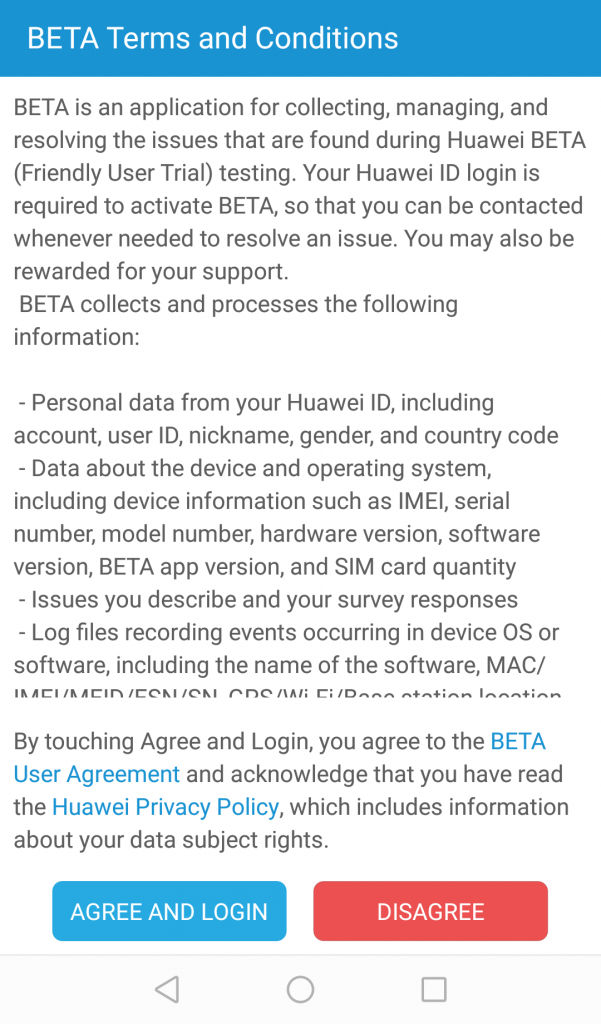
- Accept the terms and conditions
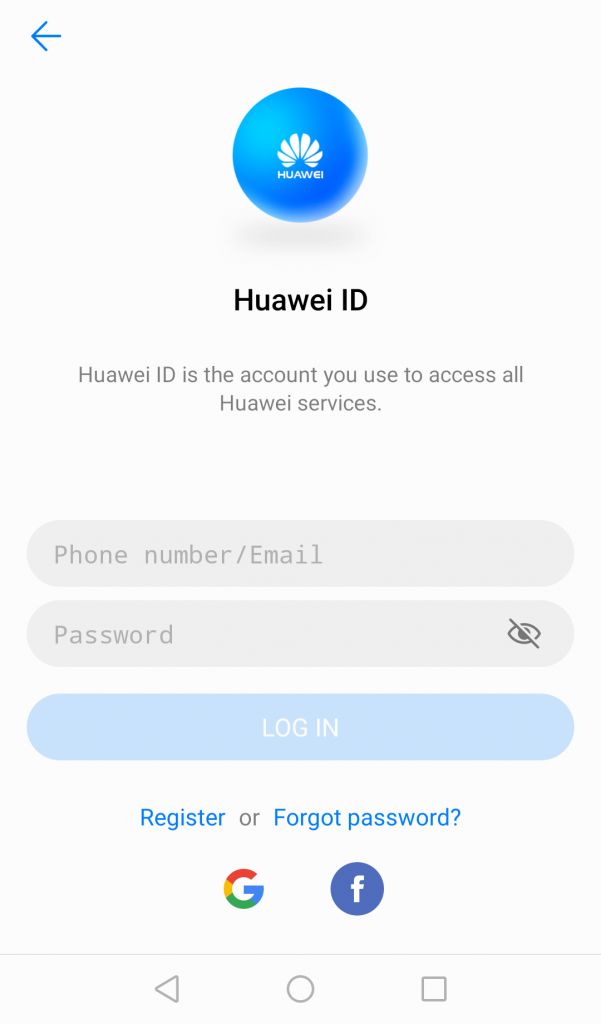
- Login with your Huawei ID (You can create one if you don’t have one)
-
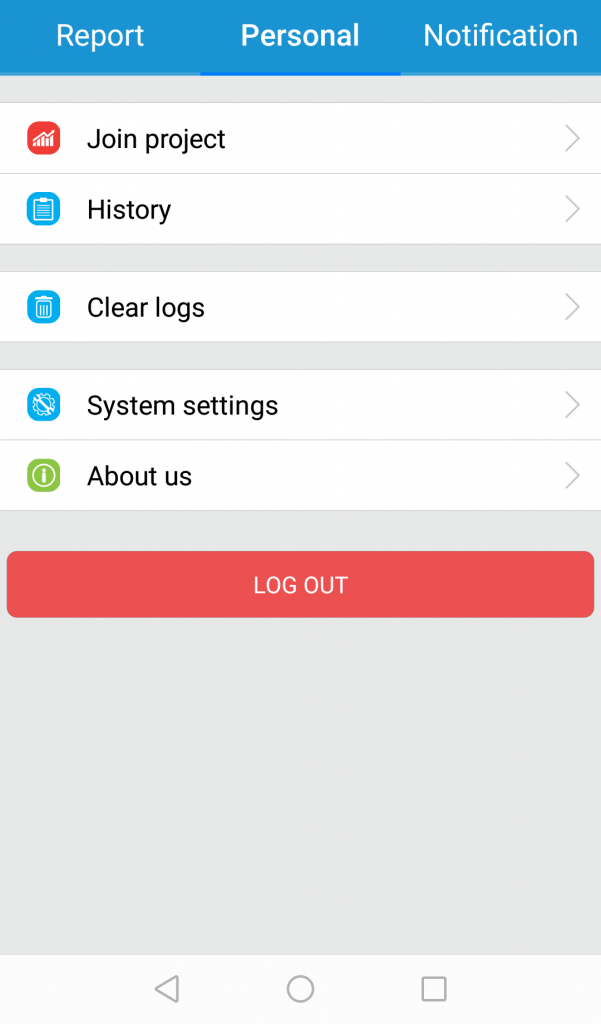
- Go to the Personal tab and tap on Join project. Join the available project and you will be able to update to the EMUI 8.0 Oreo beta.
- The firmware will be available starting on March 7th 2018 if you register for the Beta and the beta testing period is set between March 7th and 21st.
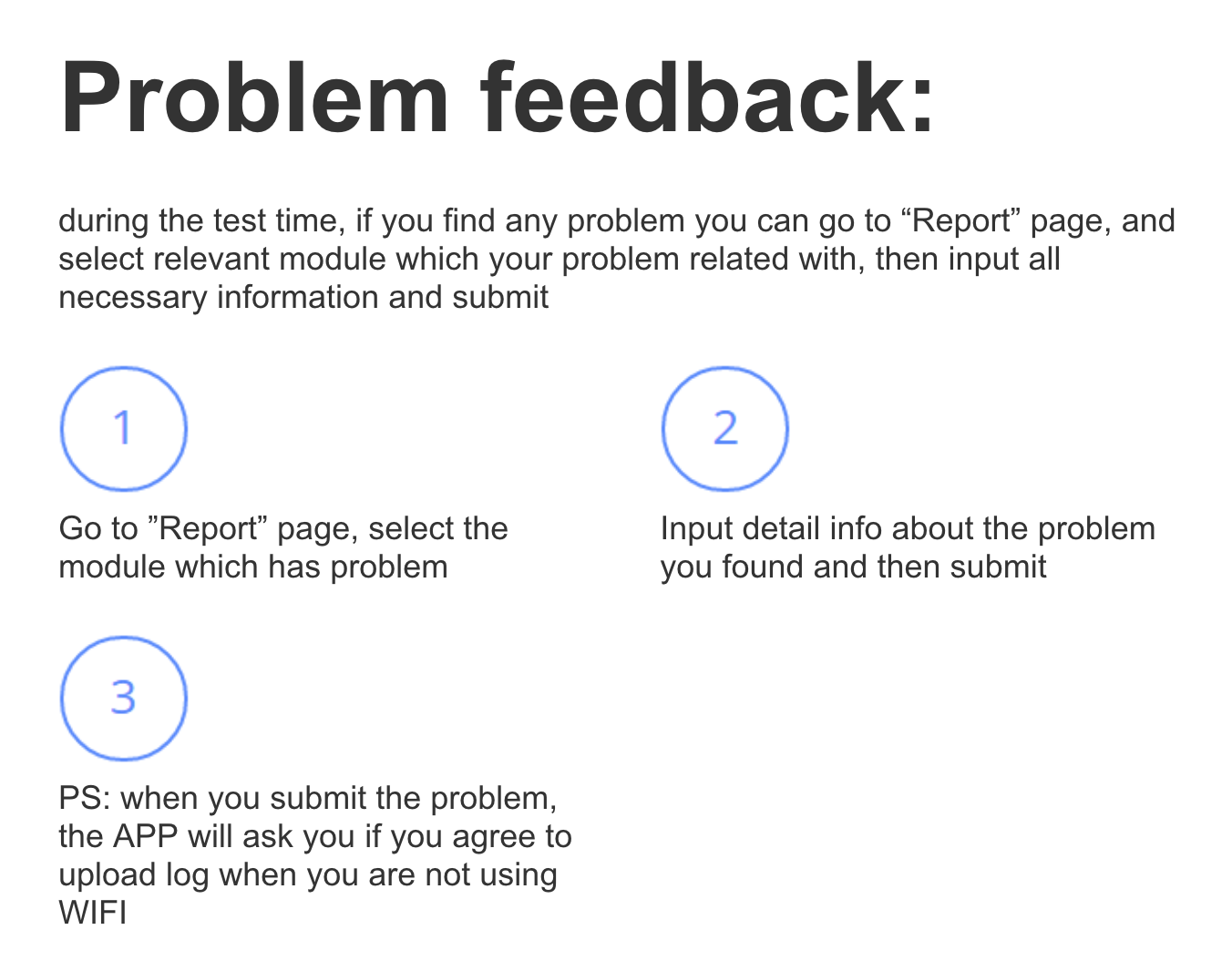
Huawei requests you to report any bugs and issues that you encounter. Logs will be submitted to help the developers solve it.
You can also opt out of the beta by signing out from the project that you have joined. You will be removed from the beta testers within 48 hours, and will cease receiving any newer beta updates.

That is how you get the latest Android Oreo on to your Huawei Nova 2i. Share this with your friends who has a Huawei Nova 2i so that even they can enjoy Android Oreo. Hope you guys found this useful. Stay tuned to www.androdollar.com for more awesome tech content in the future.
Subscribe on YouTube at www.youtube.com/androdollar for more awesome tech videos and enter my giveaway to win an awesome new Huawei Nova 2i now.
Source – Huawei