Beats Audio is quite popular today. There is a range of headphones and speakers to choose from the Beats By Dre line, such as the Beats Pro, Solo HD, Beats Pill, etc. Beats Audio driver comes pre installed on HP laptops and it used to come with HTC Devices as well until 2013. Beats Audio is known to be quite powerful and base heavy, and some people including myself like that. I will show you how to get beats audio on to your device in this quick How To. Beats Audio ads extra smoothness and charm to the sound.
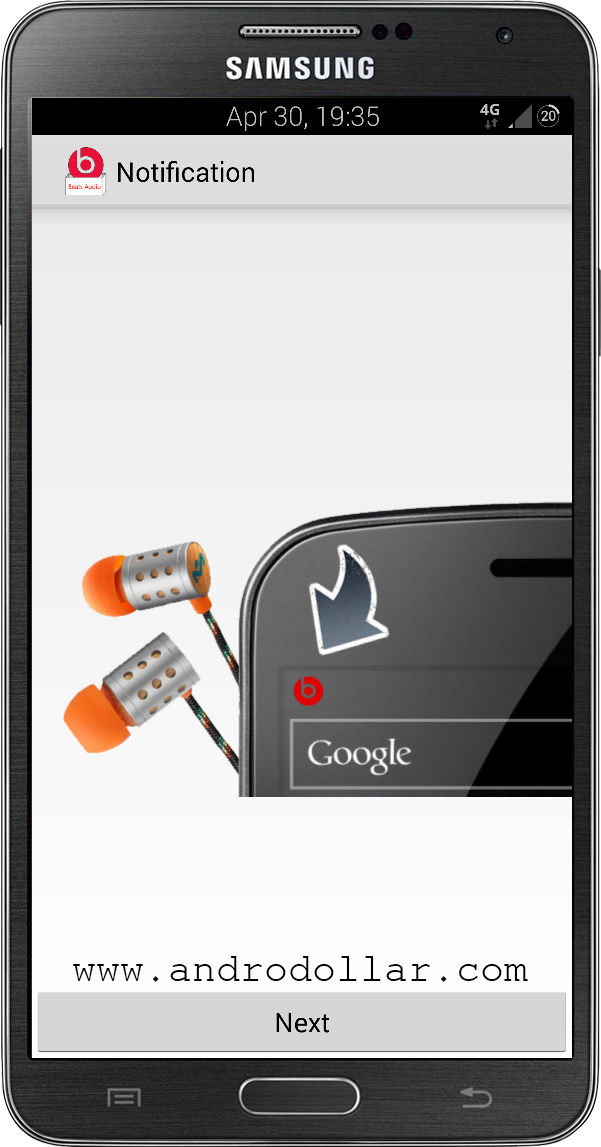
This Android App is called “Beats Audio installer” and it installs Beats Audio driver on your phone. This enables the Beats Audio technology. Whenever you connect earphones with your smartphone, the Beats Audio technology activates and thus enhances the sound and results in smoothness and efficient quality.
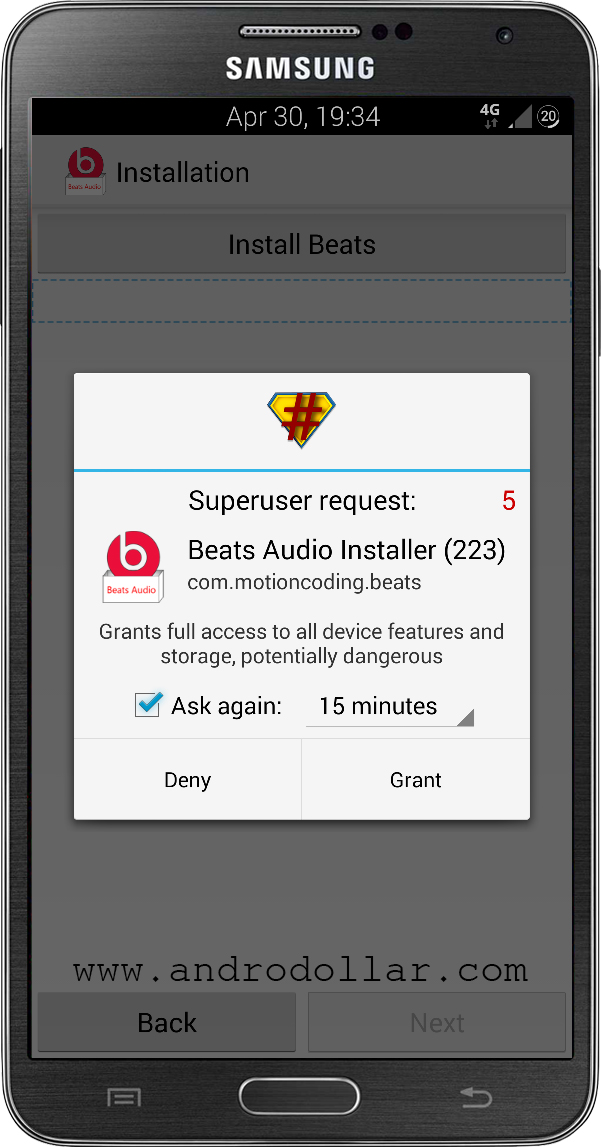
You need to be Rooted for this to work, so make sure your device has Root Privileges. This will work with any phone running android 2.3 Gingerbread or above. I will be using the Samsung Galaxy Note 3 to demonstrate it on this tutorial.
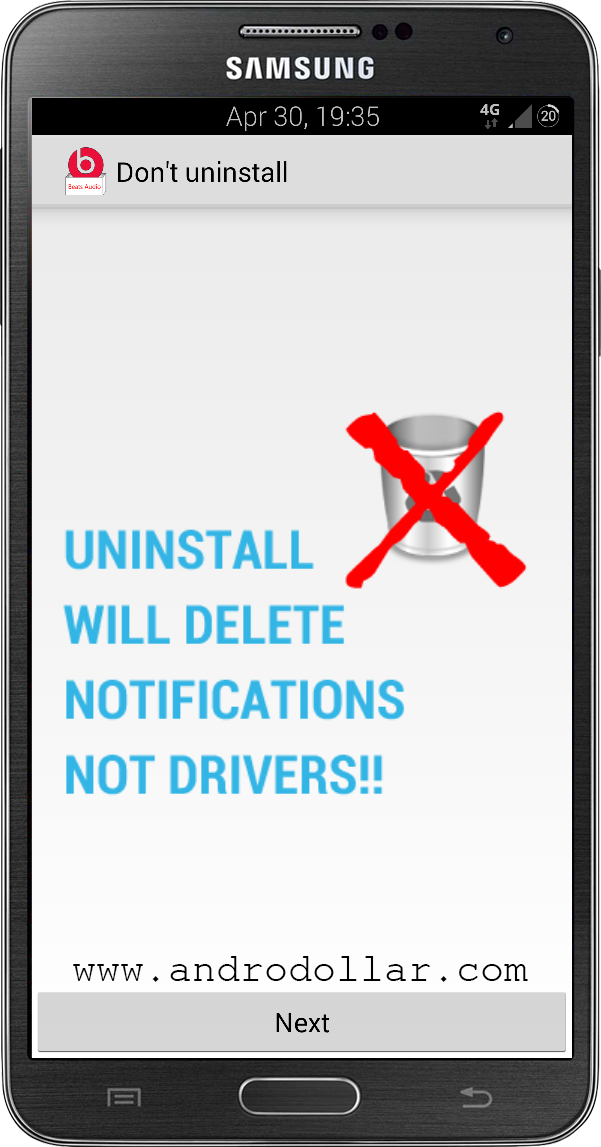
If you want to Uninstall the Driver, you should follow this document by the developer. Uninstalling it from the app drawer normally will simply remove the notifications, but not the drivers.
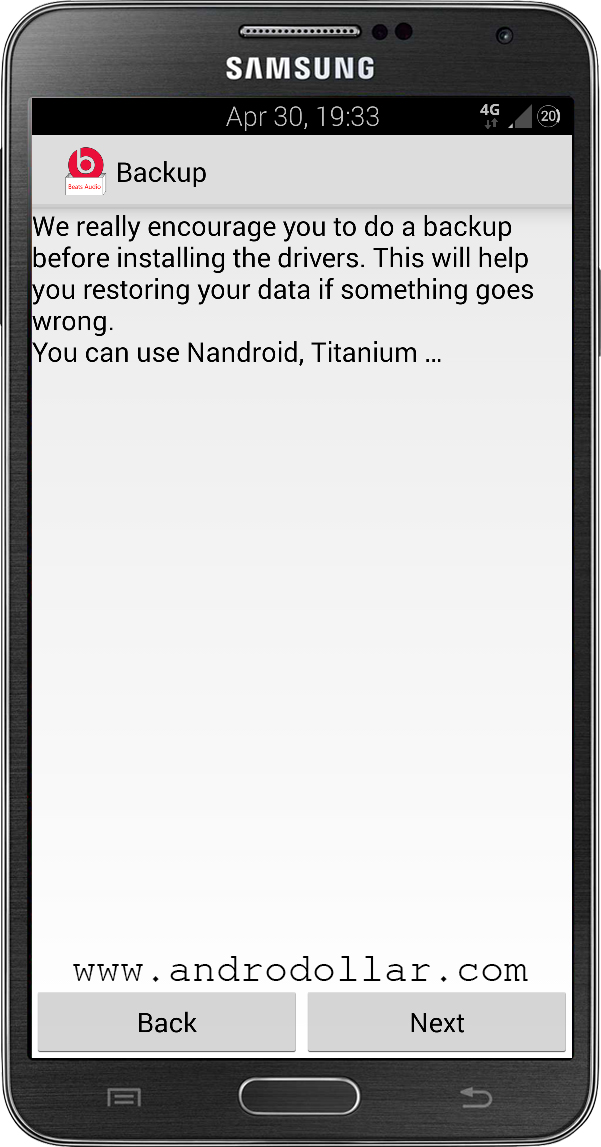
It is better if you do a Nandroid backup using your recovery, in-case things get messed up, you can just go back to the previous state. But, I have been using this on all my devices for more than 2 years now, and I have not had any issues with it, so you might not also face any issues hopefully. So that out of the way, let’s get started.
- First Download the Beats Audio Installer APK from Dropbox or Dev-Host. (If the Beats Logo Doesn’t show up or if the Beats logo only shows up when the Headphones are plugged in, try this Version – Dropbox, Dev-Host)
- Transfer it to your phone, and install it. (Make sure Unknown Sources is checked under Settings)
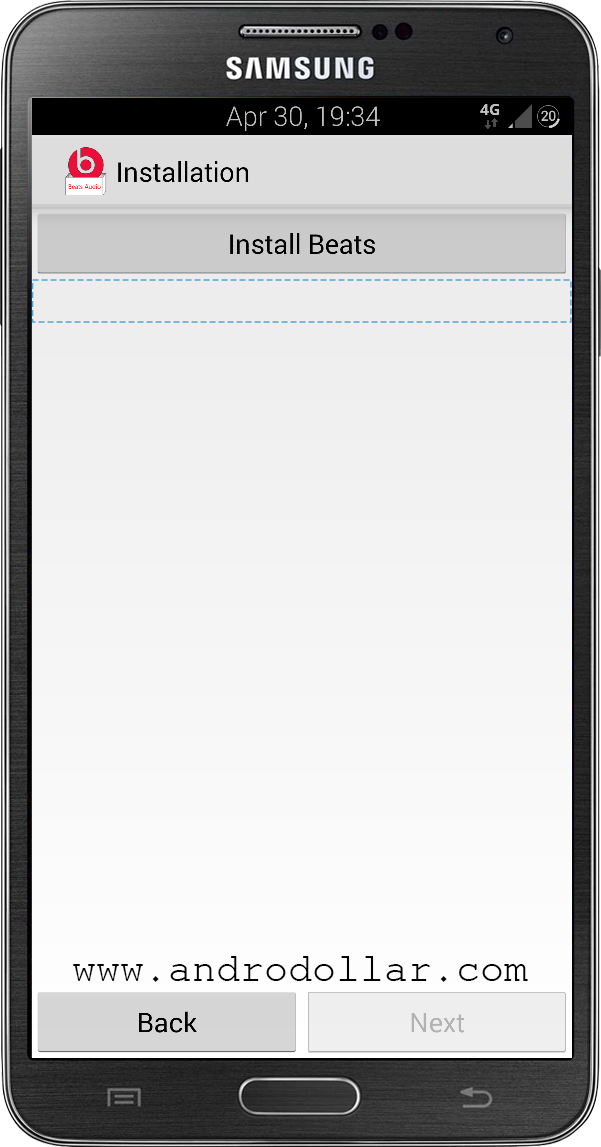
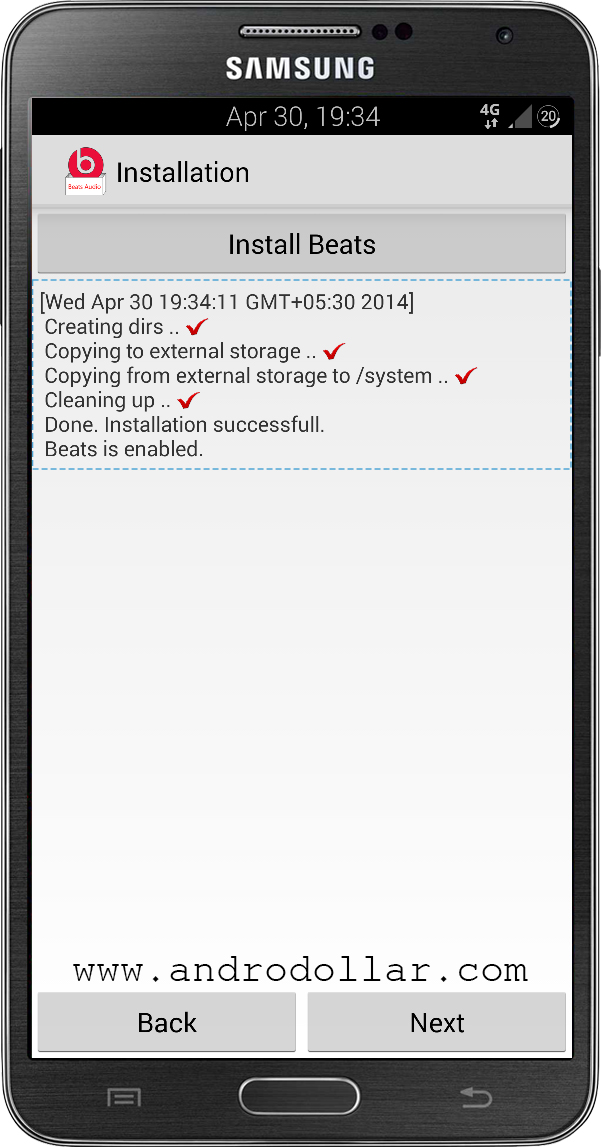
- Now Open the Beats Audio installer from the app drawer and follow the instructions to install Beats Audio on your device and finally Restart your device.
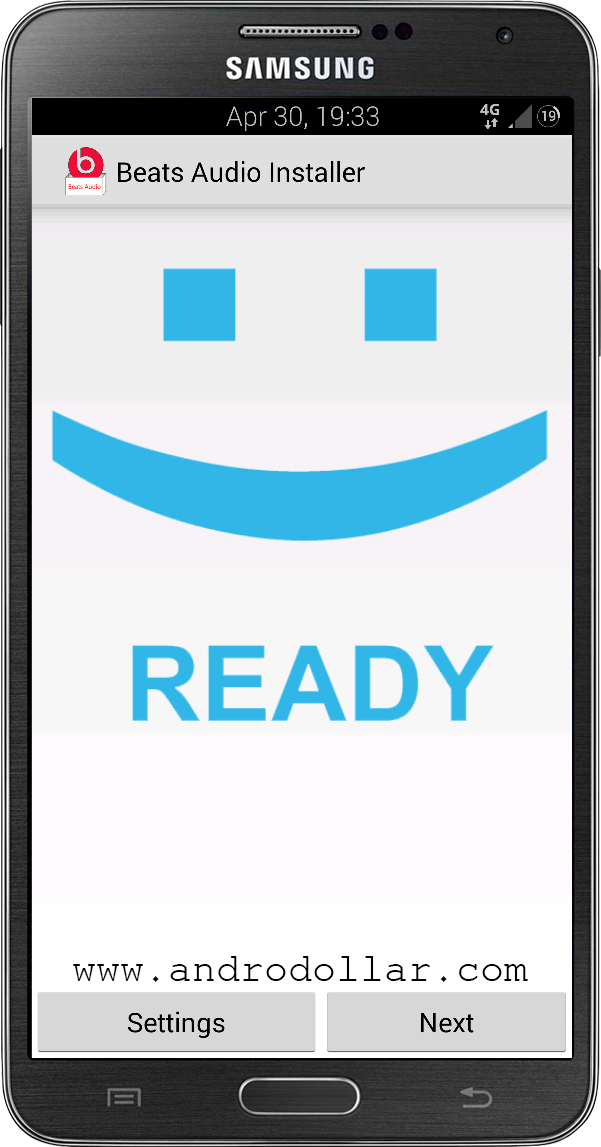
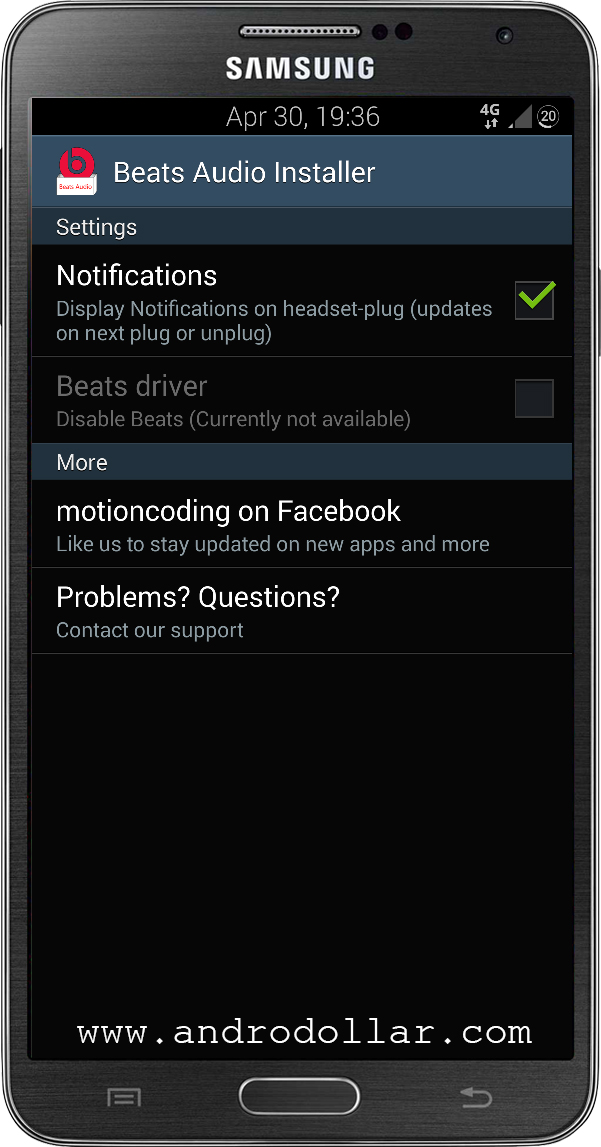
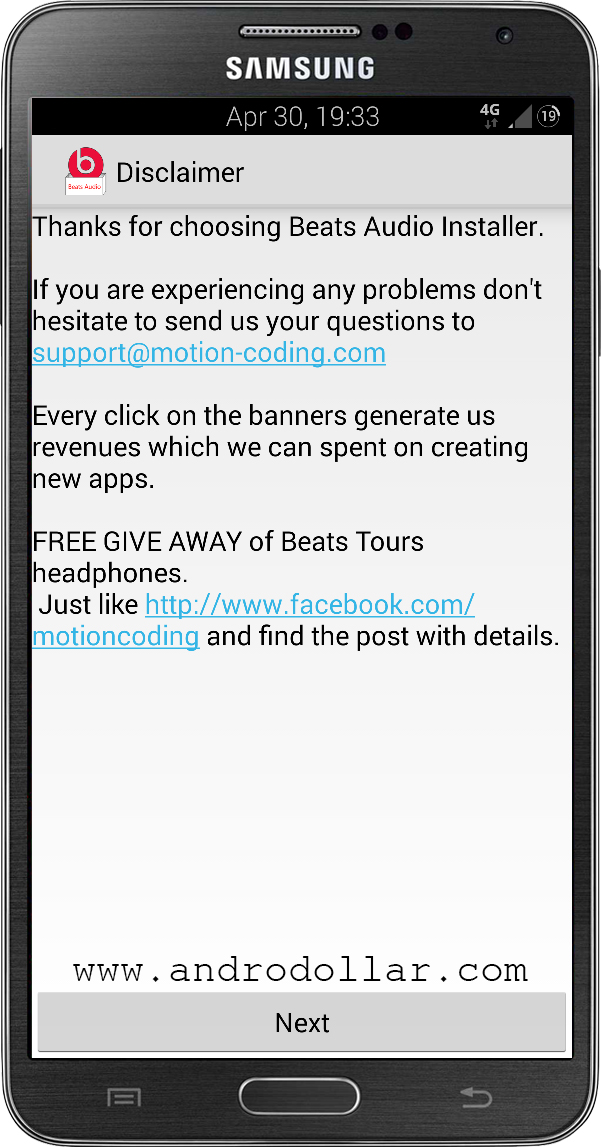
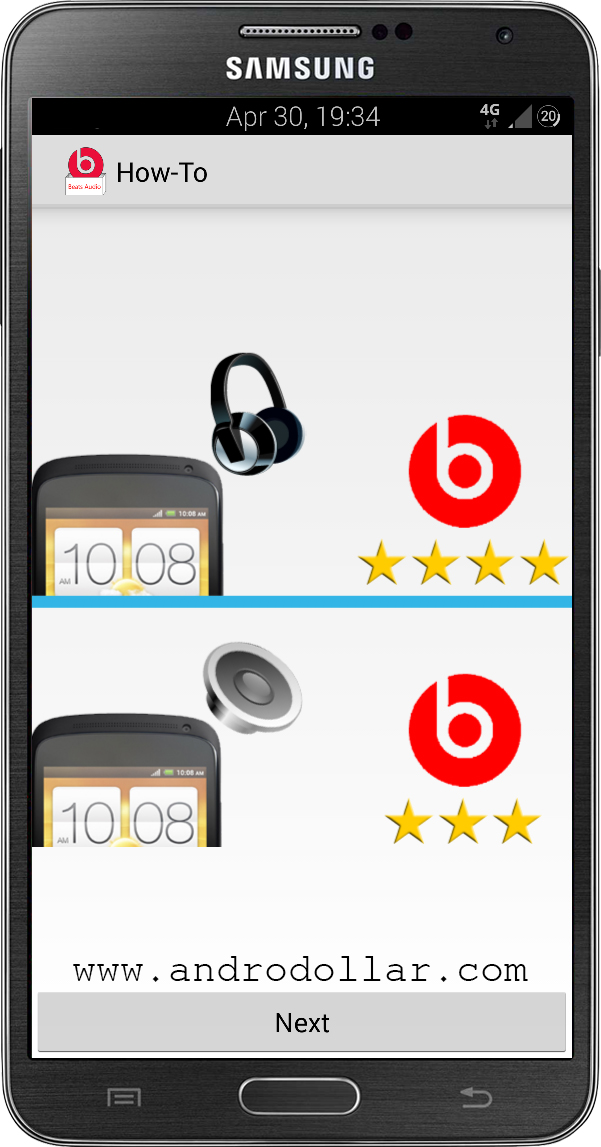
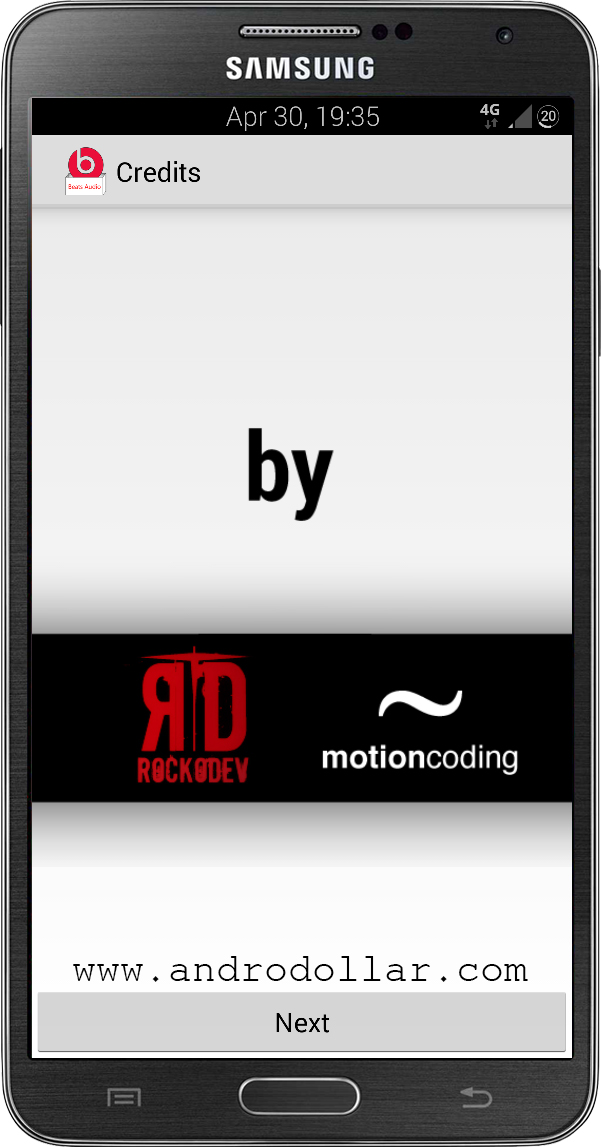
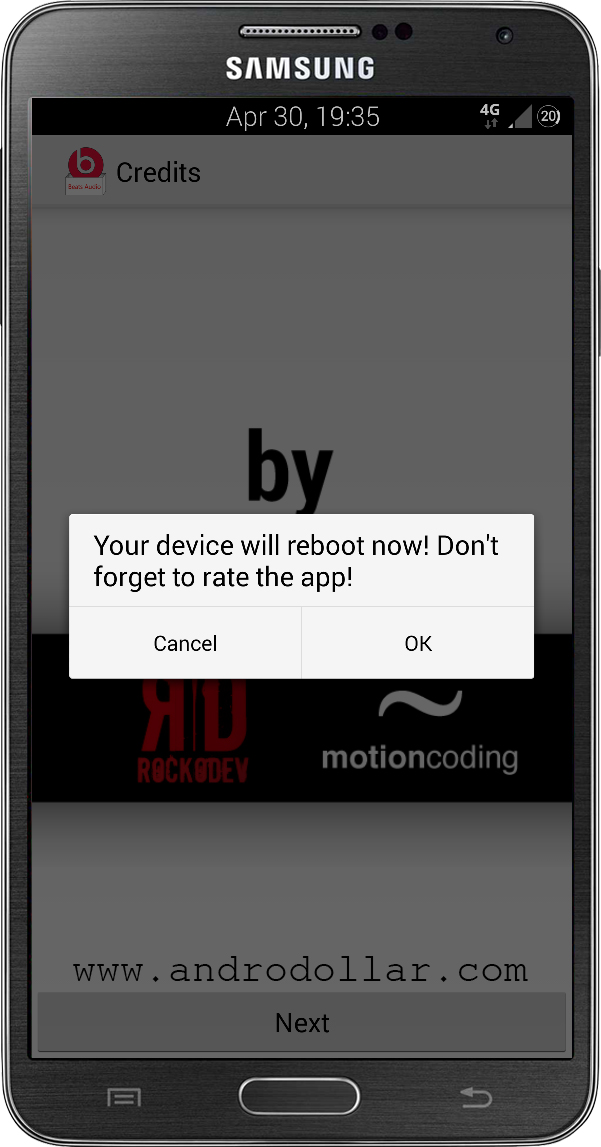
That’s it guys. You can now enjoy Beats Audio on your Android device. If you think this quick tip was helpful, don’t forget to share it with your friends. Finally, Don’t forget to give it a shot and if you have any doubts, comment below, so that I can help you out.
WARNING – Whatever you do with your phone, you do that entirely on your own risk and you have full responsibility for the consequences. The author can’t be responsible for any damages of your phone!


20 comments
it isnt work with ma dialog i43 ics 🙁
Are you sure that you’re rooted? It should work if you have root permissions no matter what device you’re using….
ma device wont restart automatically and even if I turn on cant find any newly installed, please help
Try the 2nd App (I have given a second app inside brackets saying to use it if the 1st doesnt work)
After install that apk,I get error msg”contact has stopped working”:(
Any solutions?!!!!!
Not cz of this! It is a problem with your firmware
thanks for ur concern
i have solved that problem
No prob!
My device is stuck on the start screen. Its not going ahead.
Are you sure your device was rooted?
Yes. But bootloader is locked and my phone got bricked (Sony Xperia l C2104). What should I do now?
Unlock the Bootloader and do it!
Ok so here is the deal. I have a Samsung SM-N900P. Sprint Note 3 domestic unlock with root. I tried both versions of the beats Com.android.. files that you have provided in here. With both of them, I do grant SU permissions but the outcome is as follows. When the phone auto boots, the Beats icon shows on the top. It says Beats audio on. However when I clear the list, the icon goes away. Secondly, when I re attach the headphones, the icon doesn’t come back.
Following the above, there is no beats audio application anywhere on the phone. I would think that once you install the program, you would at the least have a way to control the beats settings. But no, I don’t have anything besides beats audio installer app which only installs the drivers.
What is going on???
It is the way the app was made by the developers.
Sorry.i didnot understand what you have just told(developers of androdoller).Nishat say right.its happened to me too!!!when I clear my notifications bar beats icon become invisible.but I just wanna make sure that even after the beat icon become invisible beat software will work or not?
It was made by the developers in a way it will be cleared if you clear your notifications.
What do you mean by rooted
Google it
App does what it has to do , richer sound i was used to from the htc one x+is recreated ( htc desire 820 really needs it with its louzy boomsound driver)
Important note: I can’t turn beats off. Even though there is an option to do so in the app(which is not usable) Personally no problem but if you ever want to compare the sound before and after ,you need to uninstall following the given link in the above post.
Thank you so much to the developers to the androdrollers.I am enjoying rocking music with beats audio 🙂 my boot loader is locked having 3E recovery.when It reboots phone stuck on the start up screen but I BOOT IT manually pressing the power button.after rebooting beats audio on notification comes and working well with smooth music.but sometimes beats audio stop working.I try to install it with the same procedure.after that it works like a dream.thanks once again guyz.great job