Andro Dollar Andro Dollar
  • Advertise on Andro Dollar
  • Videos
  • Gaming
  • About Us
  • Contact Us
  • Newsletter
  • Wallpaper
  • Privacy Policy
  • Terms and Conditions
Andro Dollar Andro Dollar Andro Dollar
  • Videos
    • Unboxings
    • Reviews
    • Tips
    • Vlogs
    • Best Apps
    • Best Games
  • Shorts
  • Reviews
  • News
lumos-nox3

HOW TO : Use Harry Potter spells to control your Android Phone

  • Banu
  • November 7, 2016
  • 1 minute read
Total
0
Shares
0
0
0

Google and Warner Bros have teamed up to deliver a magical experience to Google’s voice search feature based on Harry Potter. As the new movie set in J.K. Rowling’s wizarding world “Fantastic Beasts and Where to Find Find Them” is about to hit cinemas this month, the Google voice search app has learned three magic spells.

There are 3 commands available right now. All you have to do to try them is to say “Ok, Google” followed by,

  • “Lumos” to Turn On Flashlight
  • “Nox” to Turn Off Flashlight
  • “Silencio” to put your phone on Silent Mode

Before trying please make sure your Google Apps are fully up to date.

If you’ve read any of the Harry Potter books or seen any of the movies, you’re aware of the multitude of spells used throughout the series. These tricks are pretty awesome.

These will only work on Android so Sorry iPhones users, none of these features are available for to you.

Give them a shot and Share with your friends to show them the magic.

Total
0
Shares
Share 0
Tweet 0
Pin it 0
Related Topics
  • Android
  • Google
  • Harry Potter
  • How-To
  • Tutorial
Banu

I'm Banu. I also go by as "Andro Dollar". I am a passionate tech geek born and raised in Sri Lanka who likes to do creative things and look at things differently. I'm a risk taker and a perfectionist. If I'm doing something, I'll do it right! That's my Moto.

Previous Article
screen-shot-2016-11-06-at-9-27-50-am

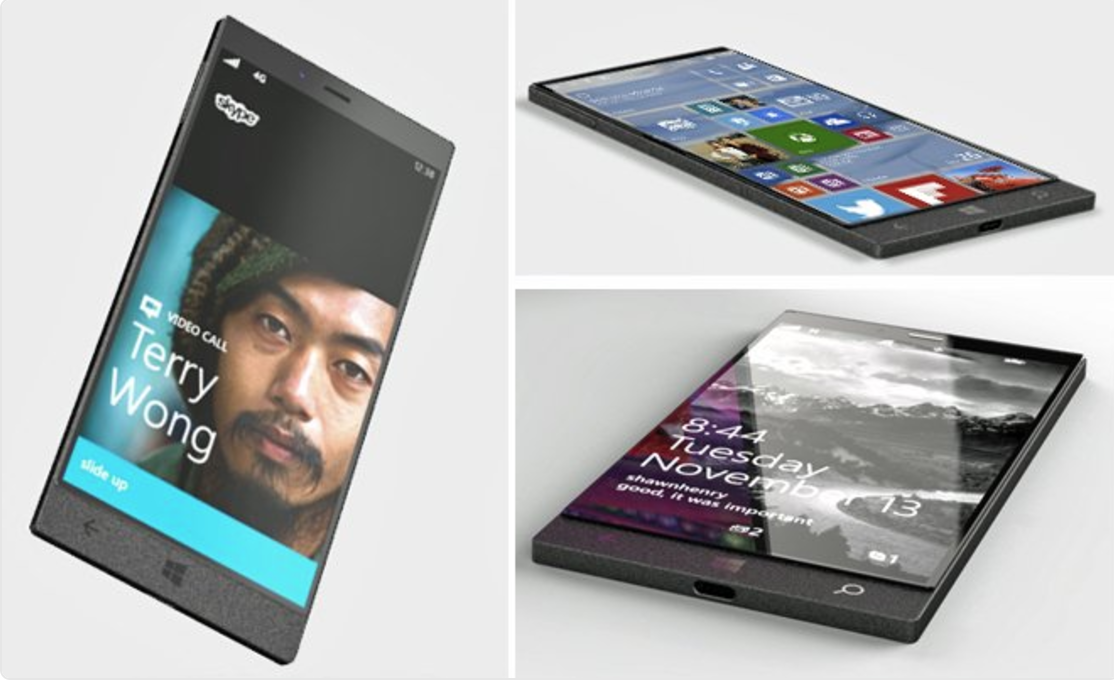
Microsoft is working on a Surface phone with a Laptop Class Intel Processor

  • Banu
  • November 6, 2016
View Post
Next Article
screen-shot-2016-11-08-at-2-05-49-pm

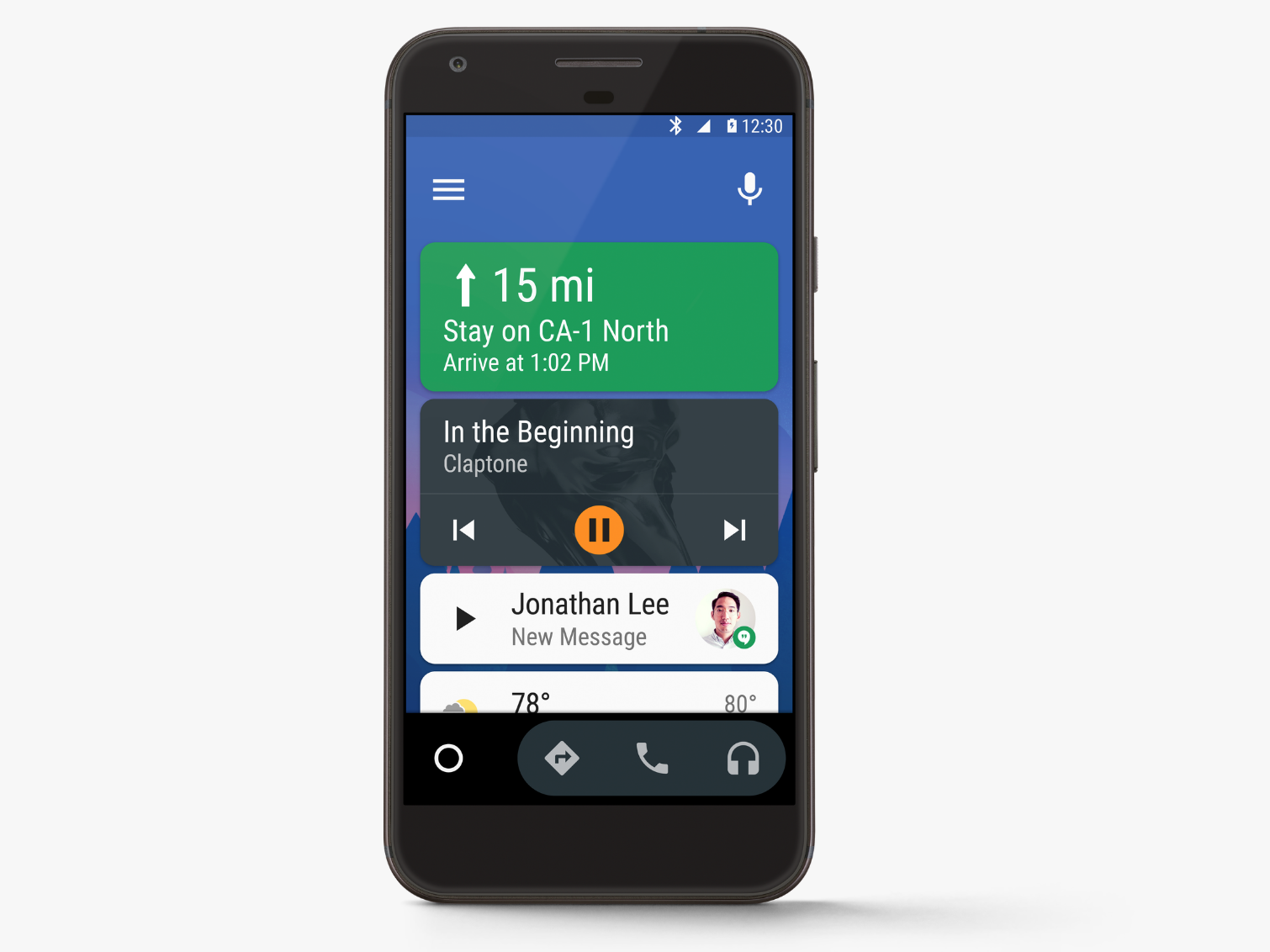
Android Auto now compatible with any car with the standalone smartphone app

  • Banu
  • November 8, 2016
View Post
You May Also Like
View Post
  • How To

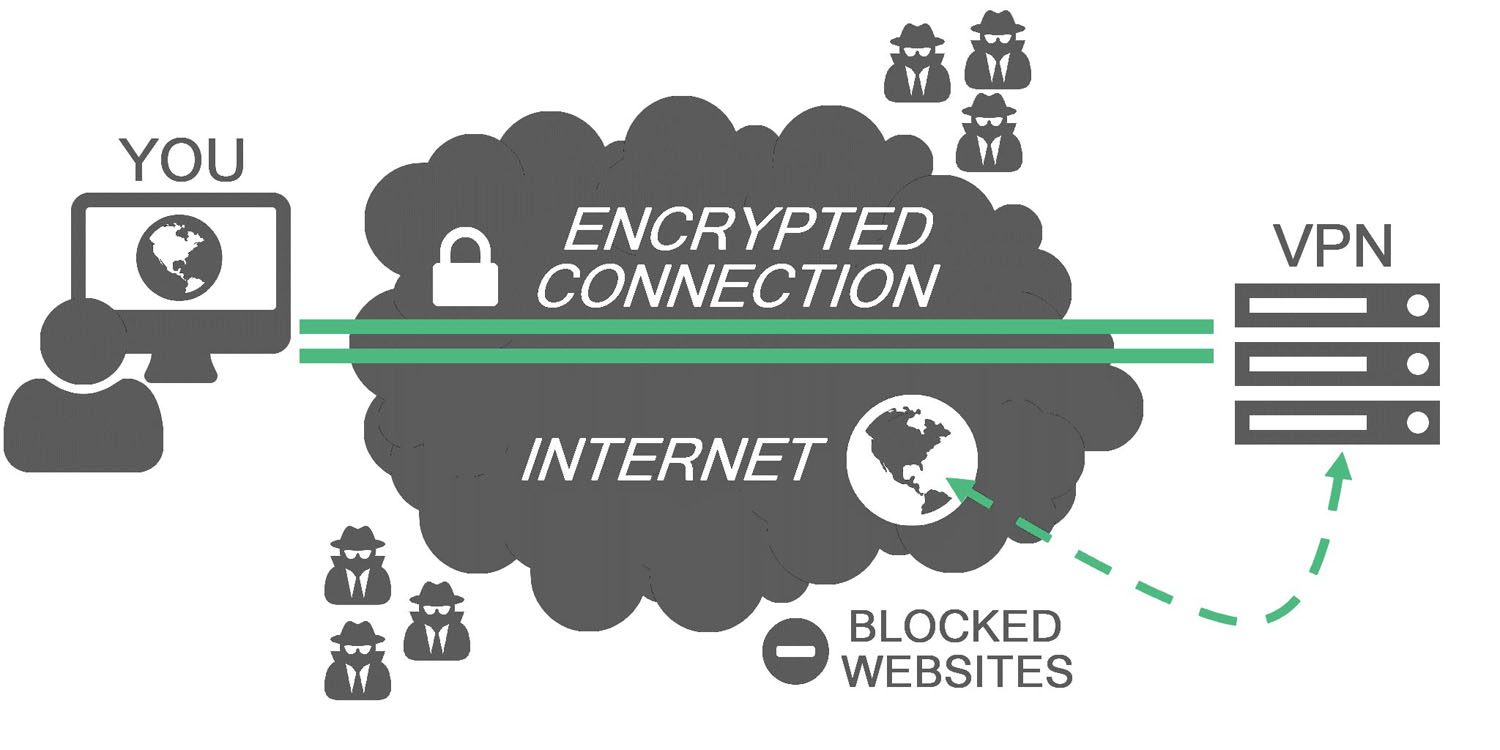
HOW TO : Add a VPN to your web browser in 3 simple steps

  • Writer Andro Dollar
  • May 10, 2019
View Post
  • How To

How to install Android P on your Google Pixel 2, Pixel 2 XL, Pixel or Pixel XL

  • Banu
  • March 8, 2018
View Post
  • How To

HOW TO : Install Android 8.0 Oreo Beta on to your Huawei Nova 2i NOW

  • Banu
  • March 3, 2018
View Post
  • How To

Bring back the “View Image” button on Google Images in less than 1 minute

  • Banu
  • February 19, 2018
screen-shot-2016-12-08-at-10-02-44-pm
View Post
  • How To

HOW TO : Take a screenshot on Android phones and tablets

  • Banu
  • December 8, 2016
fix-mobile-network-not-available-error-1000×875
View Post
  • How To

How To : Fix Android’s ‘insufficient storage available’ error message

  • Banu
  • November 28, 2016
Technicians working on electronics or motherboard
View Post
  • How To

HOW TO : Fix a PC that won’t start up

  • Banu
  • November 20, 2016
cable2-520×354
View Post
  • How To

HOW TO : Connect a laptop to a TV via HDMI, VGA and USB

  • Banu
  • November 14, 2016

Leave a Reply Cancel reply

You must be logged in to post a comment.

Ebates Coupons and Cash Back
Andro Dollar Andro Dollar
  • Advertise on Andro Dollar
  • Videos
  • Gaming
  • About Us
  • Contact Us
  • Newsletter
  • Wallpaper
  • Privacy Policy
  • Terms and Conditions
Tech with over a decade of experience

Input your search keywords and press Enter.

Powered by Joinchat
Hello 👋
Can we help you?
Open chat